
 IoT Projects
 ML Projects


ESP32 vs Arduino: Which Microcontroller is Right for Your Project?

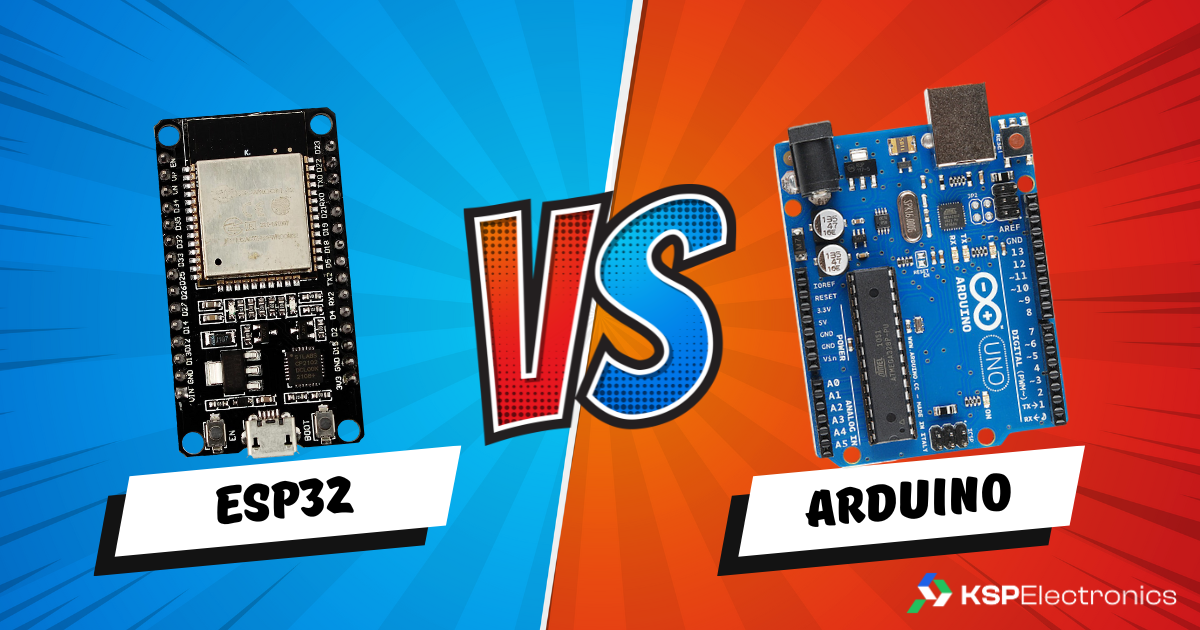
ESP32 vs Arduino — this is the most-asked question by engineering students in India starting their first embedded project. Understanding ESP32 vs Arduino differences upfront saves time and money. If you are deciding between NodeMCU (ESP8266) and ESP32 for your next IoT project, the choice matters more than most tutorials admit. Both run on the same Arduino IDE, both have built-in Wi-Fi, and both are available at low cost from KSP Electronics — but they have real differences in performance, GPIO count, and capabilities that will affect your project design.
ESP32 vs Arduino: Full Specification Comparison
| Feature | NodeMCU (ESP8266 V3) | ESP32 (WROOM-32) |
|---|---|---|
| CPU | Xtensa LX106 single-core 80/160 MHz | Xtensa LX6 dual-core 240 MHz |
| RAM | 80 KB SRAM | 520 KB SRAM |
| Flash | 4 MB | 4 MB |
| Wi-Fi | 802.11 b/g/n 2.4 GHz | 802.11 b/g/n 2.4 GHz |
| Bluetooth | None | BT Classic 4.2 + BLE 5.0 |
| GPIO Pins (usable) | ~11 usable digital I/O | 34 digital I/O |
| ADC Channels | 1 (10-bit, unreliable) | 18 (12-bit, accurate) |
| DAC | None | 2 × 8-bit DAC channels |
| SPI / I2C / UART | 1 SPI, 1 I2C, 1 UART | 4 SPI, 2 I2C, 3 UART |
| PWM Channels | 4 | 16 |
| Touch Sensors | None | 10 capacitive touch pins |
| Deep Sleep Current | ~20 μA | ~10 μA |
| Price (KSP Electronics) | ₹190 | ₹520 |
When NodeMCU (ESP8266) Is the Right Choice
- Your project is a simple Wi-Fi IoT node — reads one or two sensors and posts data to a server.
- You are on a strict budget (₹190 vs ₹520 adds up quickly in a lab with 30 stations).
- You only need one analog input and it does not need to be precise.
- Your project does not need Bluetooth at all.
- Examples: basic temperature logger, smart switch, simple LED controller via Wi-Fi.
When ESP32 Is the Right Choice
- Your project uses more than 2 sensors or needs more than 11 GPIO pins.
- You need Bluetooth (BLE for wearables, BT Classic for audio or serial communication).
- Your project reads multiple analog sensors accurately (the NodeMCU’s single ADC is notoriously unreliable when Wi-Fi is active).
- You need real-time performance — the dual-core lets you run Wi-Fi on Core 0 and your sensor code on Core 1 simultaneously.
- Your project involves capacitive touch, DAC output, or Hall effect sensing.
- Examples: IoT weather station, BLE beacon, multi-sensor monitoring system, smart home hub, attendance system.
The NodeMCU ADC Problem: A Real-World Warning
One of the most common frustrations in NodeMCU projects is that the ADC (analog-to-digital converter) reading becomes inaccurate or erratic when Wi-Fi is active. This is a hardware limitation of the ESP8266. If your project reads an analog sensor (potentiometer, LDR, MQ gas sensor, soil moisture) while simultaneously connected to Wi-Fi, your readings will be unreliable. The ESP32 has 18 ADC channels that work correctly even with Wi-Fi active.
Are NodeMCU and ESP32 Code Compatible?
Mostly, yes. Both use the Arduino framework and most libraries work on both platforms. However, pin numbers differ, and libraries that rely on hardware-specific features (like DAC or BLE) are ESP32-only. Porting basic NodeMCU code to ESP32 is usually a 5-minute job of changing pin definitions.
Buy from KSP Electronics
- NodeMCU ESP8266 V3 (CH340) — ₹190
- ESP32-WROOM-32UE DevKitC — ₹520
- ESP32 Live D1 Mini Kit — ₹496
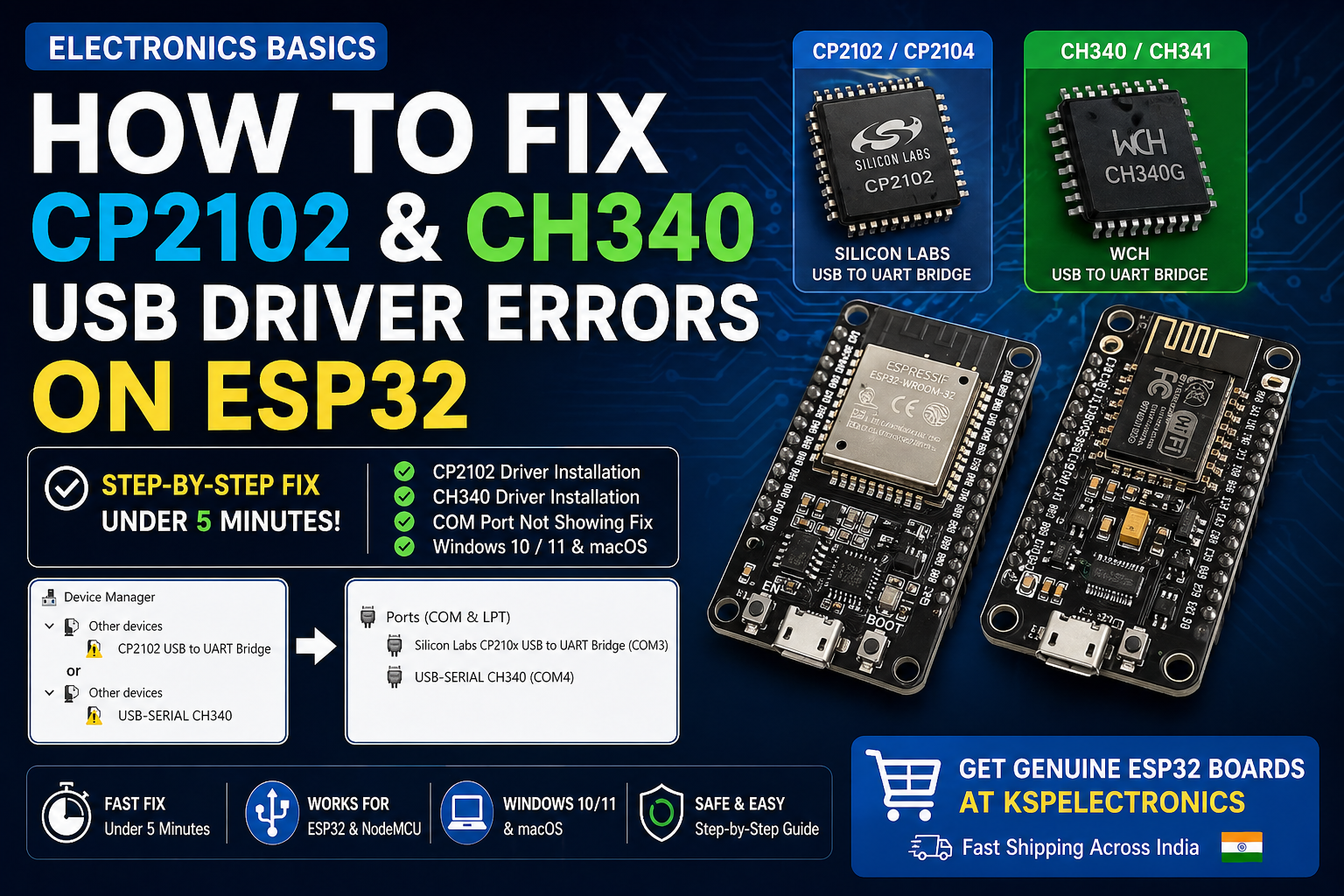
Having driver issues with your NodeMCU or ESP32? Read our CP2102 & CH340 driver fix guide.
Related Guides from KSP Electronics
- How to Fix CP2102 & CH340 USB Driver Errors on ESP32
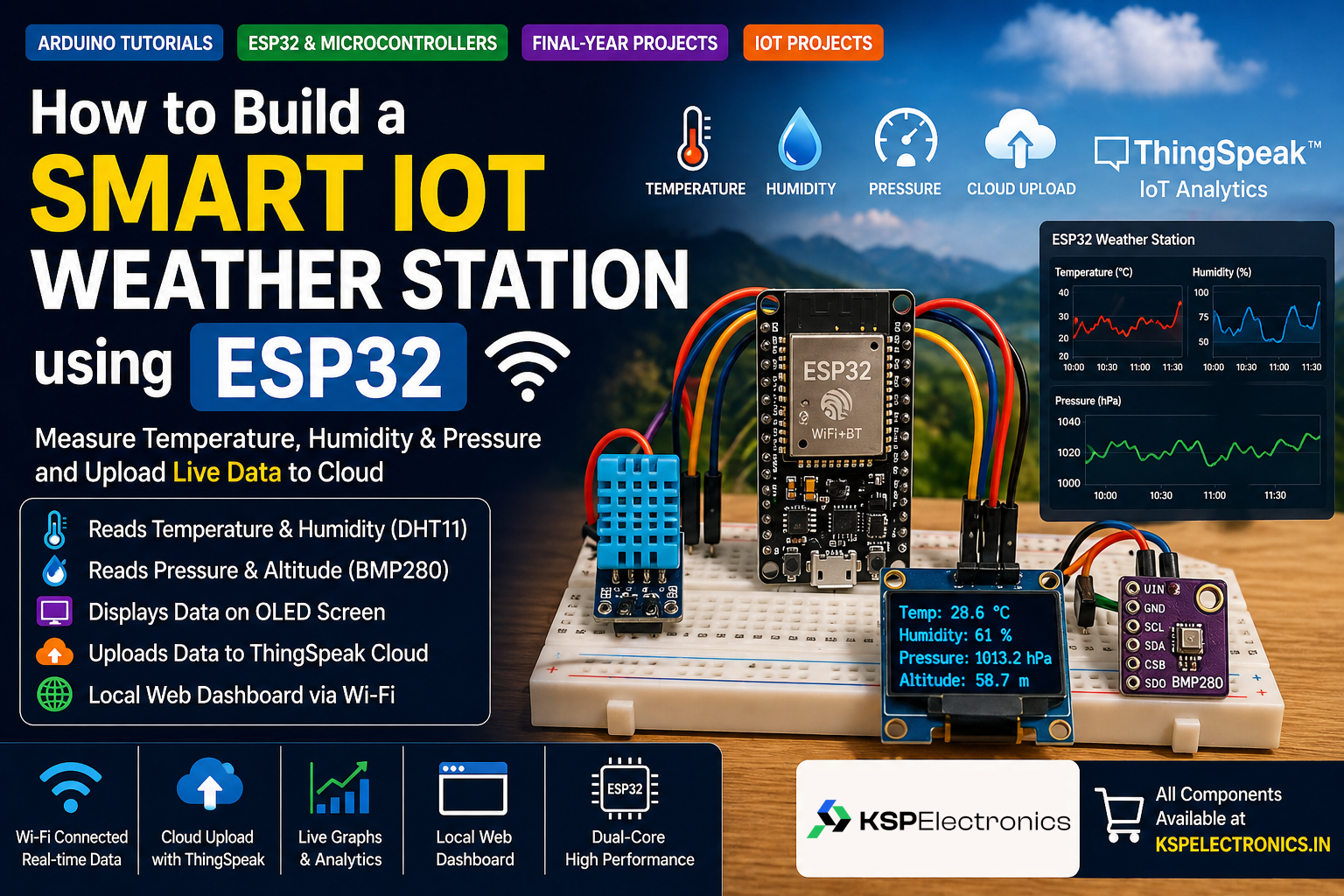
- How to Build a Smart IoT Weather Station using ESP32
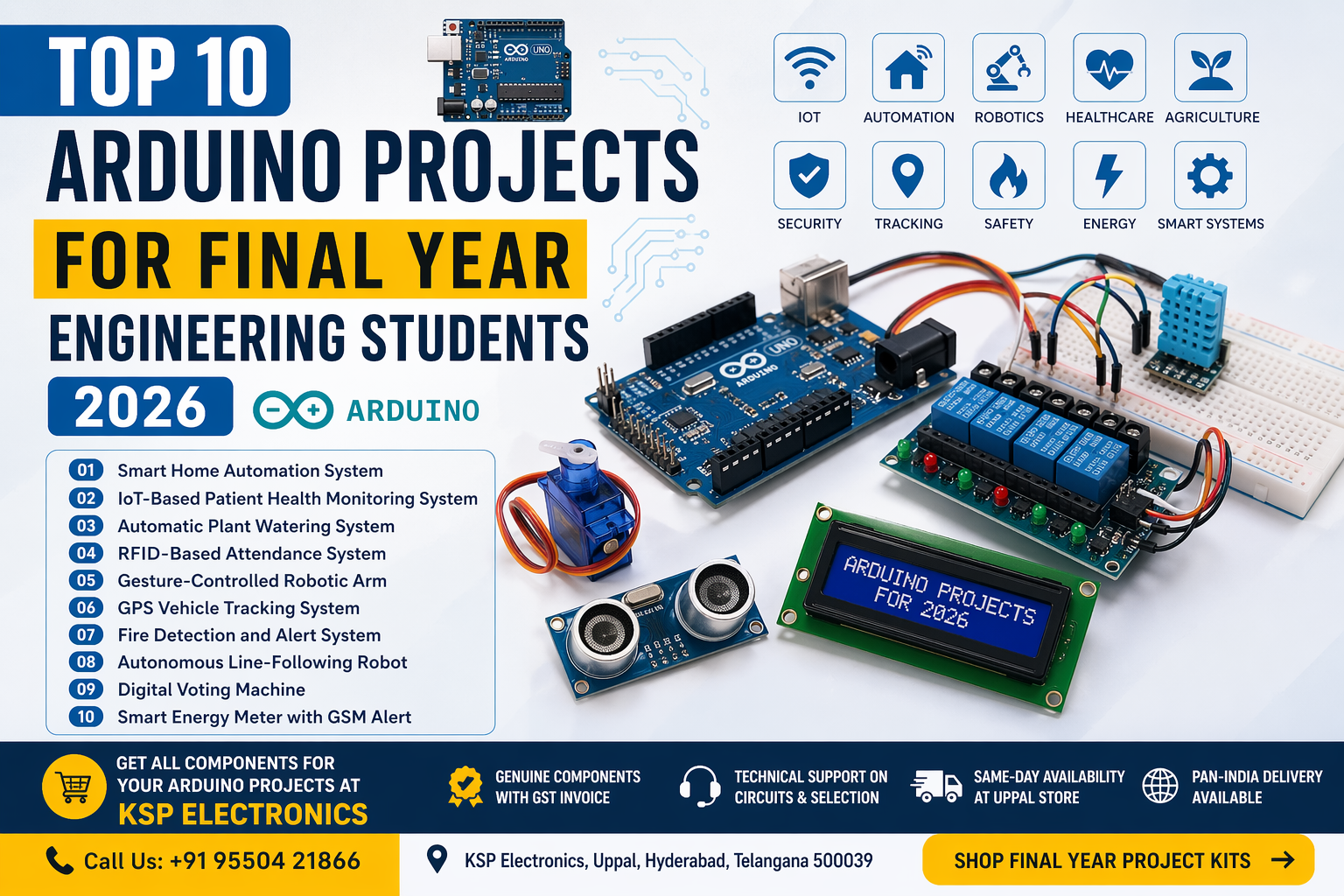
- Top 10 Arduino Projects for Final Year Engineering Students
- Top 10 IoT Projects for Final Year Students
- Where to Buy Arduino in Hyderabad
Quick Decision Guide: Which Board for Which Project?
| Project Type | Recommended Board | Price at KSP |
|---|---|---|
| Basic LED / sensor projects, no connectivity | Arduino Uno | ₹250 |
| Compact wearable or small enclosure project | Arduino Nano | ₹210 |
| Budget Wi-Fi IoT node (1-2 sensors) | NodeMCU ESP8266 | ₹190 |
| IoT project with multiple sensors / BLE / Bluetooth | ESP32 DevKit | ₹520 |
| Compact IoT / D1 Mini form factor | ESP32 D1 Mini | ₹496 |
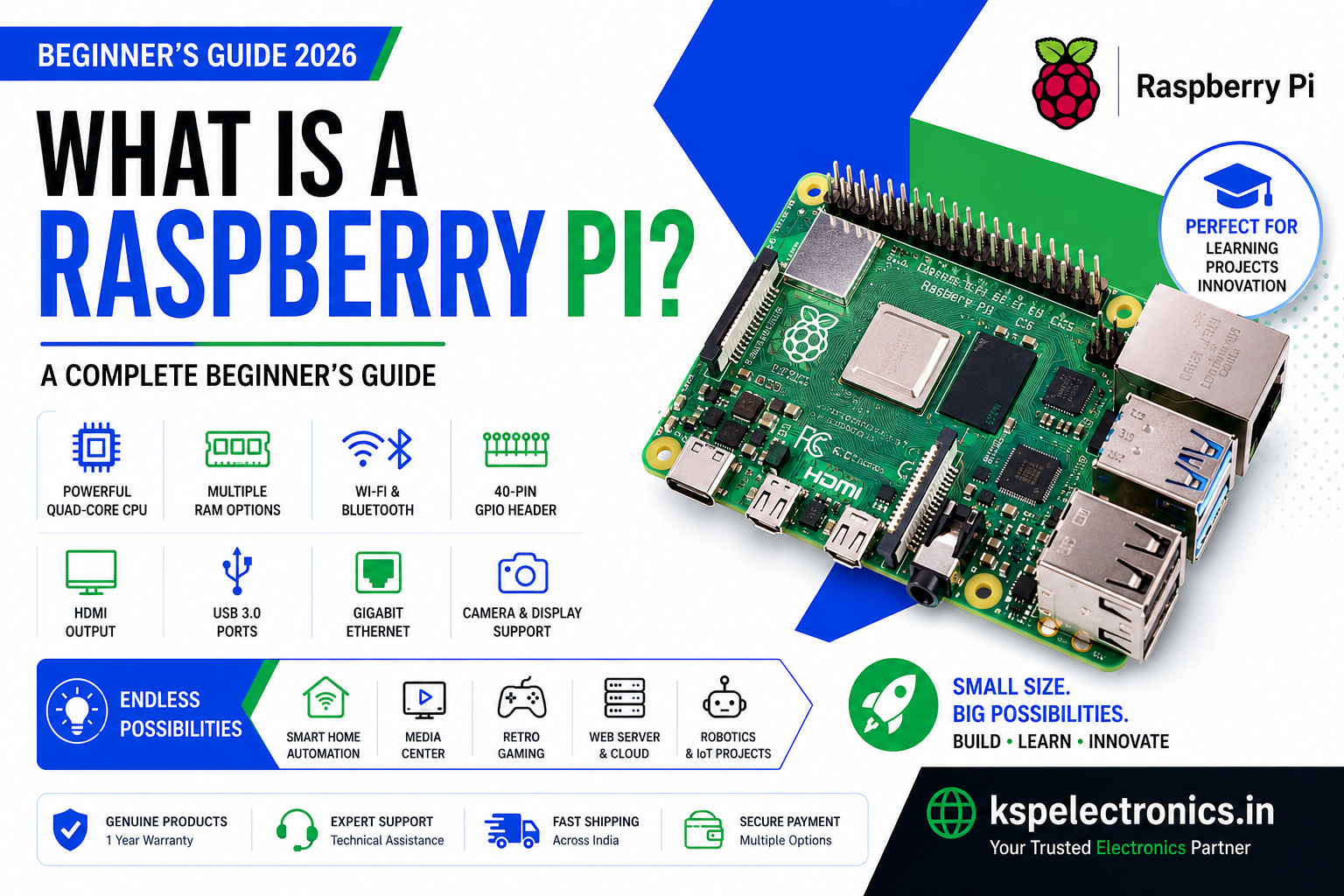
| AI, computer vision, robotics, Linux projects | Raspberry Pi 5 | ₹7,287+ |
Common Mistakes to Avoid When Choosing a Microcontroller
- Using a charge-only USB cable: This is the most common cause of “board not detected” errors. Always use a data-capable USB cable. See our driver troubleshooting guide if your board is not being recognised.
- Connecting 5V sensors to ESP32 GPIO: ESP32 GPIO pins are 3.3V tolerant only. Use a voltage divider (10k + 20k resistor) to step 5V signals down to 3.3V.
- Forgetting to install the board in Arduino IDE: ESP32 requires installing the Espressif board package separately. Arduino Uno works out of the box.
- Not holding the BOOT button during upload on ESP32: Many ESP32 DevKit boards require you to hold BOOT while initiating upload, especially on first use. See our ESP32 project guide for IDE setup steps.
Frequently Asked Questions
Can I use Arduino libraries on ESP32?
Yes. Most popular Arduino libraries (Adafruit sensor libraries, DHT, Wire, SPI, etc.) are compatible with the ESP32 since it uses the Arduino framework. Some libraries with hardware-specific code may need the ESP32 variant to be installed separately, but this is rare for commonly used libraries.
What is the best microcontroller for a B.Tech IoT project?
The ESP32 is the best choice for most B.Tech IoT final year projects in 2026. It has built-in Wi-Fi and Bluetooth, runs on the Arduino IDE, costs ₹496–520 at KSP Electronics, and is powerful enough for real-time sensor data collection, cloud uploads, local web servers, and BLE communication — all in one chip.