
 IoT Projects
 ML Projects


Arduino Uno vs ESP32: Unraveling the Differences

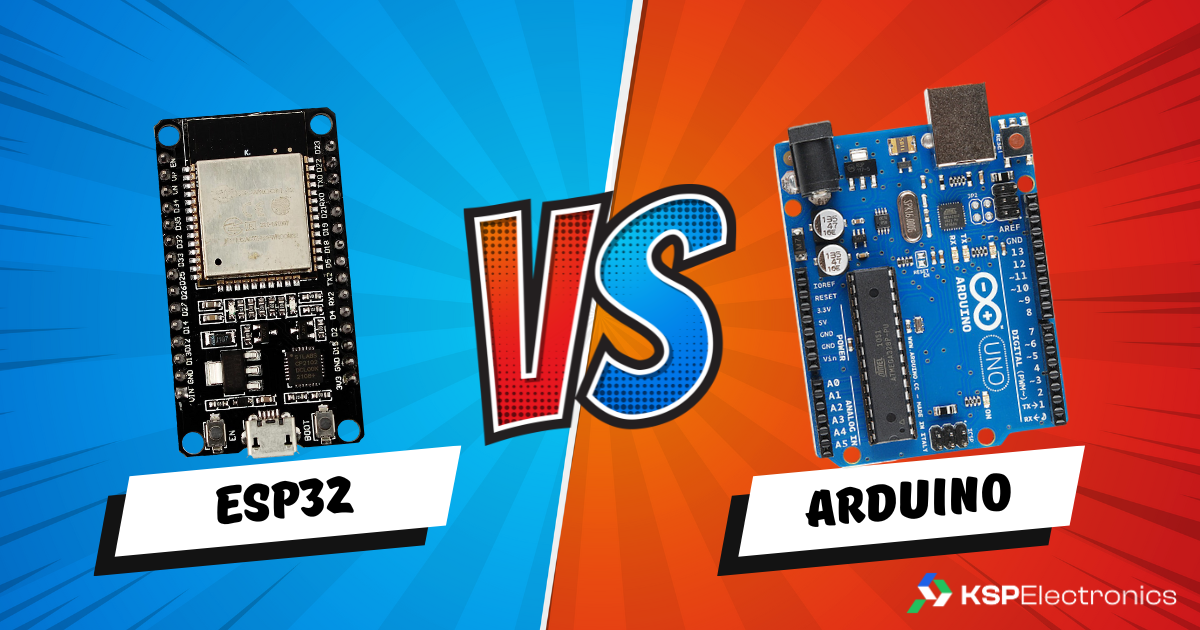
Arduino Uno vs ESP32 — choosing between these two boards is the most common question for beginners in India. Here is a complete breakdown of Arduino Uno vs ESP32 differences. The Arduino Uno and ESP32 are the two most popular microcontroller development boards among engineering students in India. Both are supported by the Arduino IDE, both have large community resources, and both are available at KSP Electronics. But choosing the wrong one for your project means you will either under-engineer (not enough features) or over-complicate something simple. Here is the definitive comparison.
Arduino Uno vs ESP32: Specification Comparison
| Feature | Arduino Uno R3 | ESP32 DevKit |
|---|---|---|
| CPU | ATmega328P 16 MHz | Dual-core Xtensa 240 MHz |
| RAM | 2 KB SRAM | 520 KB SRAM |
| Flash | 32 KB | 4 MB |
| Wi-Fi | None | Built-in 2.4 GHz |
| Bluetooth | None | BT 4.2 + BLE 5.0 |
| Digital GPIO | 14 | 34 |
| Analog Inputs | 6 (10-bit) | 18 (12-bit) |
| Operating Voltage | 5V | 3.3V (5V tolerant USB) |
| Price at KSP | ₹250 | ₹520 |
When Arduino Uno Wins
- Pure hardware projects with no wireless requirement (motor control, simple sensor reading, LED patterns)
- First-year students learning embedded programming for the first time
- 5V sensor compatibility without voltage dividers
- Breadboard-based labs where simplicity matters more than power
When ESP32 Wins
- Any IoT project requiring Wi-Fi or Bluetooth connectivity
- Projects needing more than 14 GPIO pins or more than 6 analog inputs
- B.Tech final year projects where cloud integration is required
- Real-time processing tasks (dual-core lets you run Wi-Fi and sensors simultaneously)
- Projects using 3.3V sensors (most modern sensor modules are 3.3V)
For most B.Tech IoT final-year projects in 2026, the ESP32 (₹520) is the better investment. It is fully Arduino IDE compatible, so the learning curve is minimal, but you gain Wi-Fi, Bluetooth, and far more GPIO. The Arduino Uno (₹250) remains the best choice for pure hardware learning without any connectivity requirement. Also see our ESP32 driver setup guide before your first upload.
Related Guides from KSP Electronics
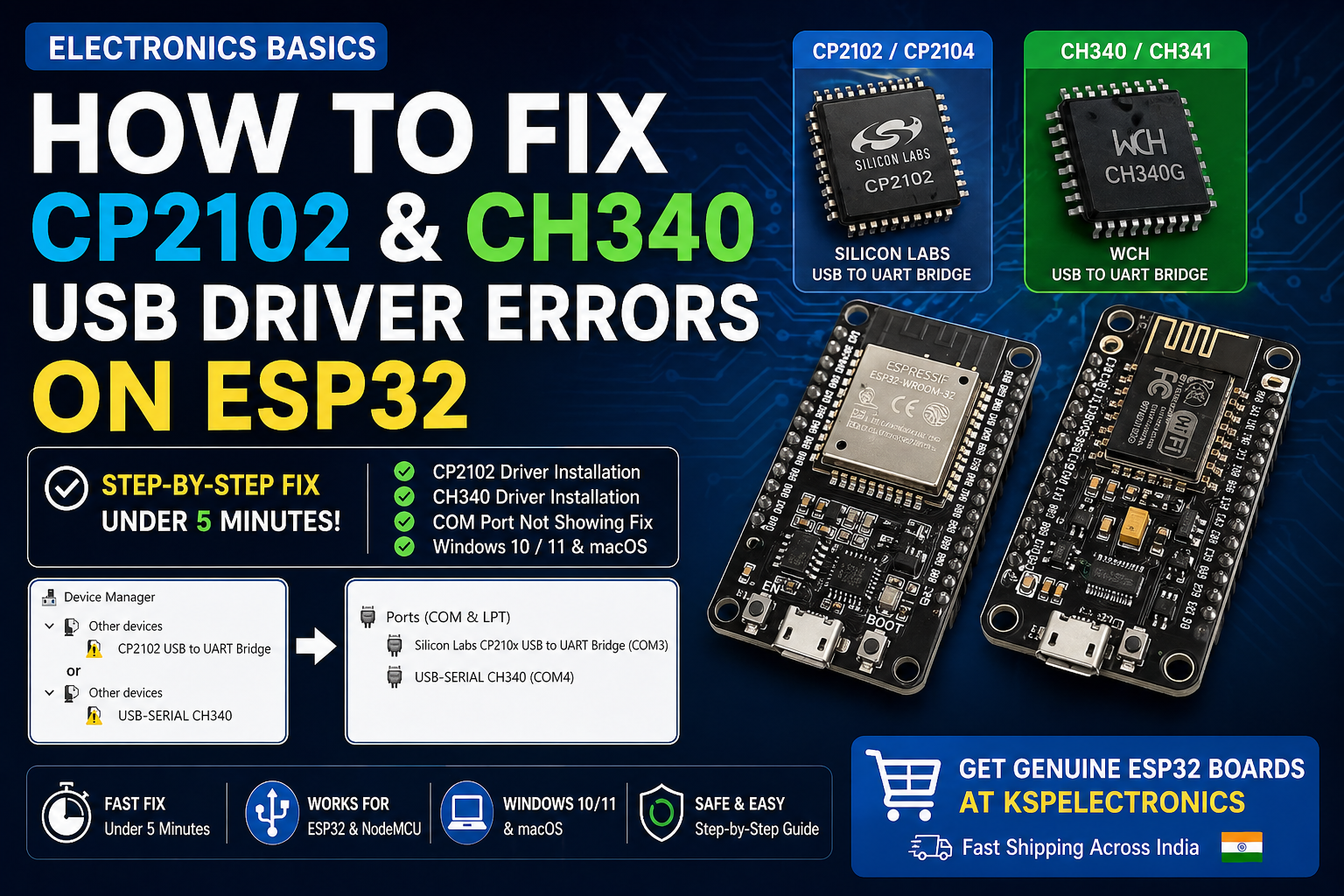
- How to Fix CP2102 & CH340 USB Driver Errors on ESP32
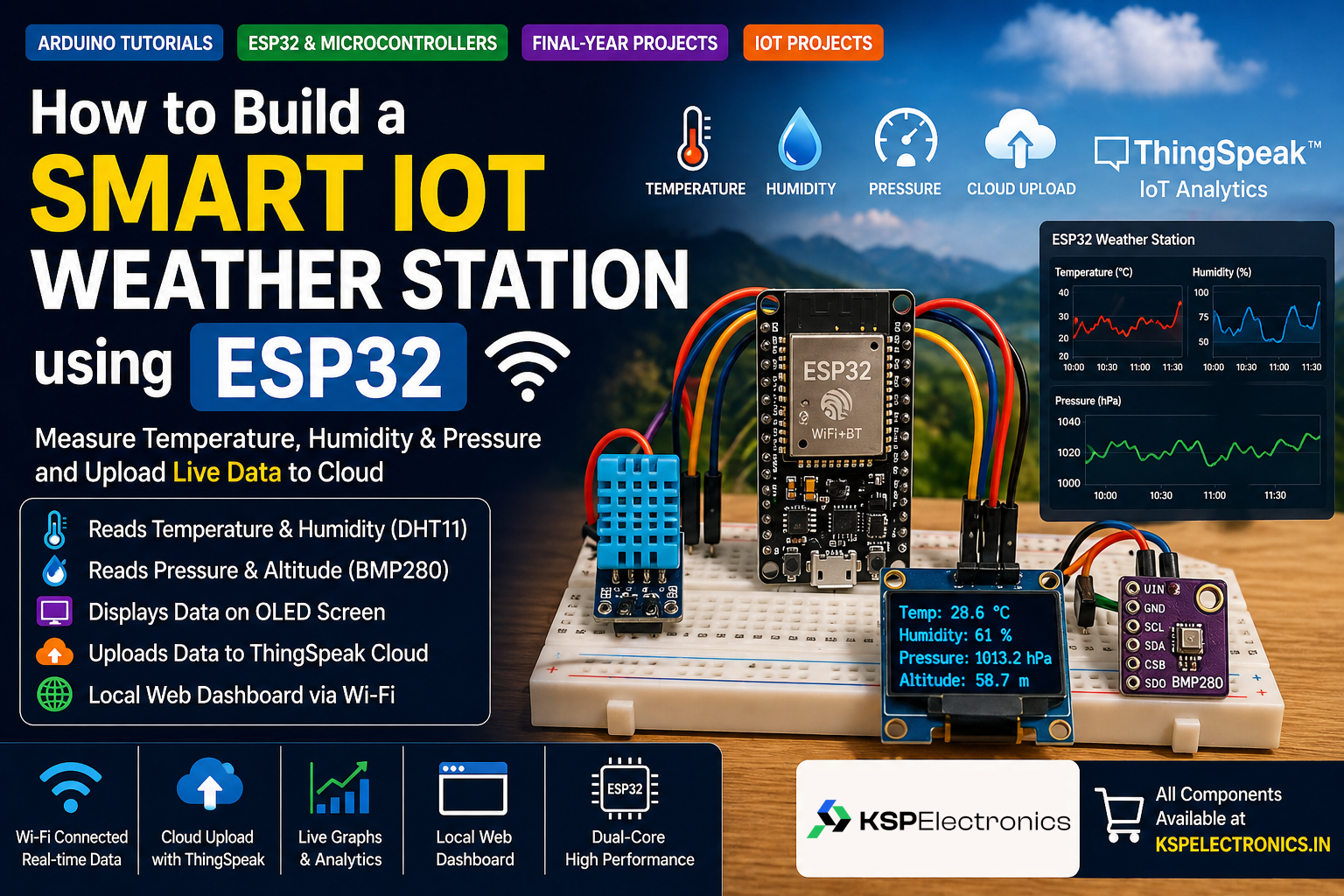
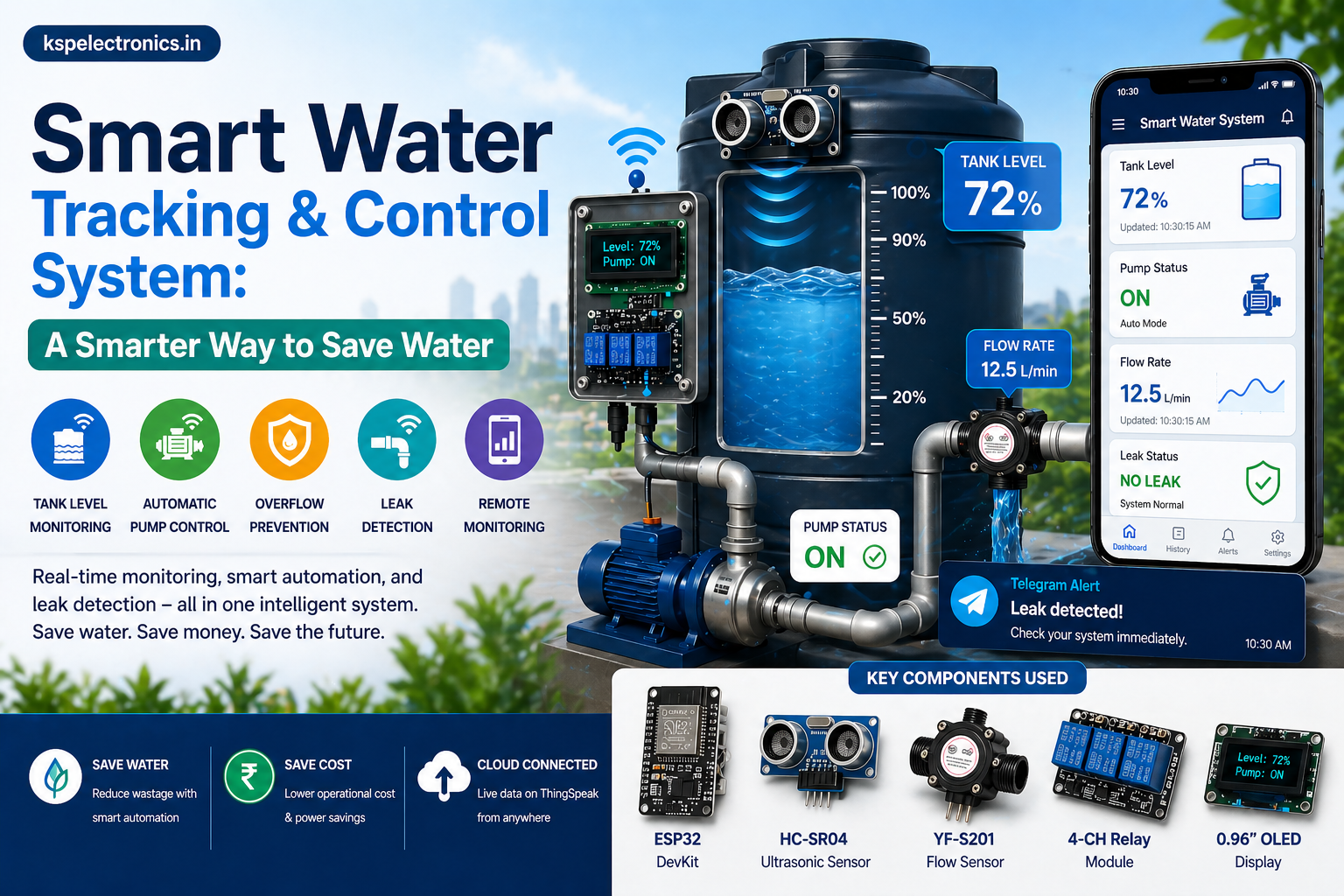
- How to Build a Smart IoT Weather Station using ESP32
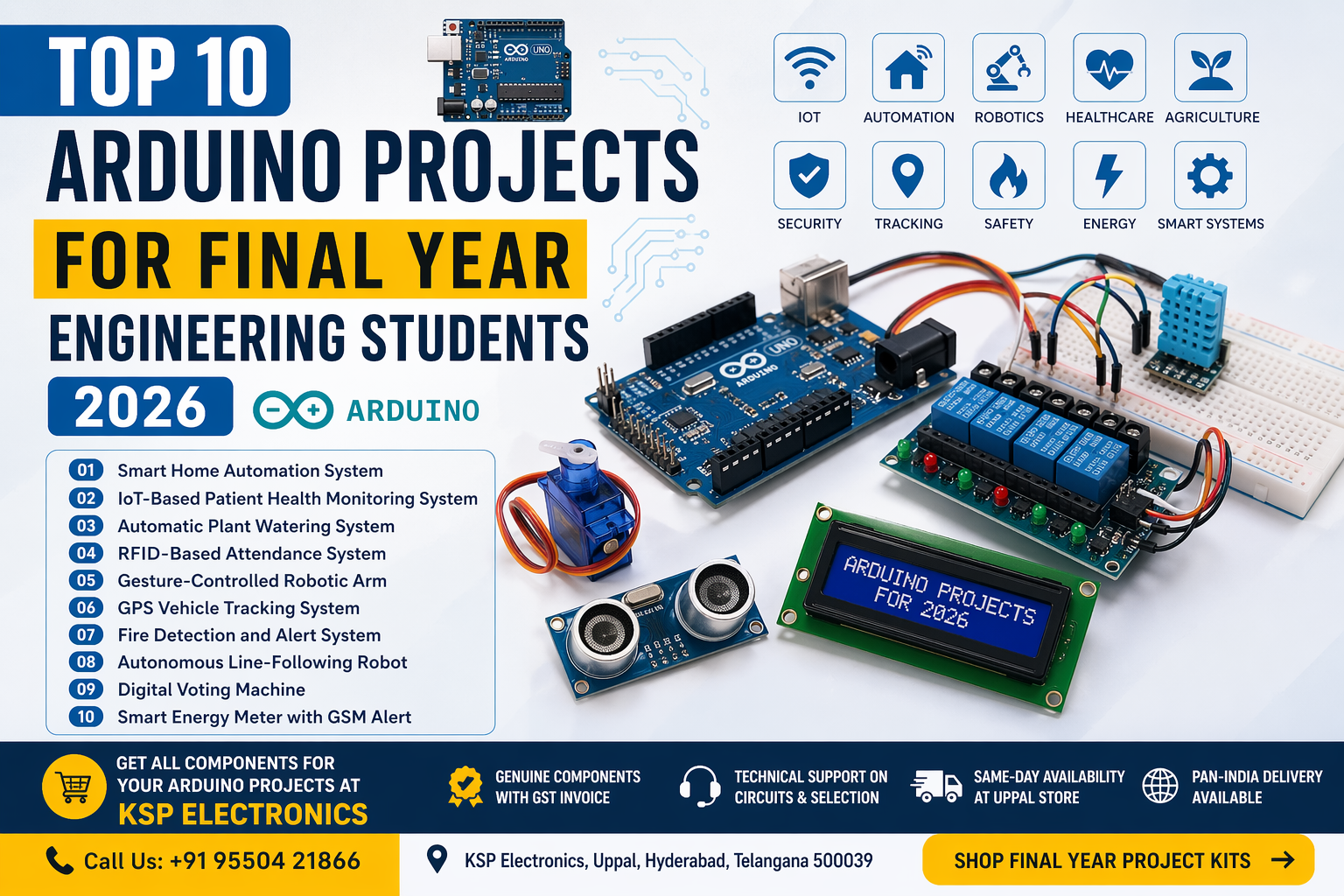
- Top 10 Arduino Projects for Final Year Engineering Students
- Top 10 IoT Projects for Final Year Students
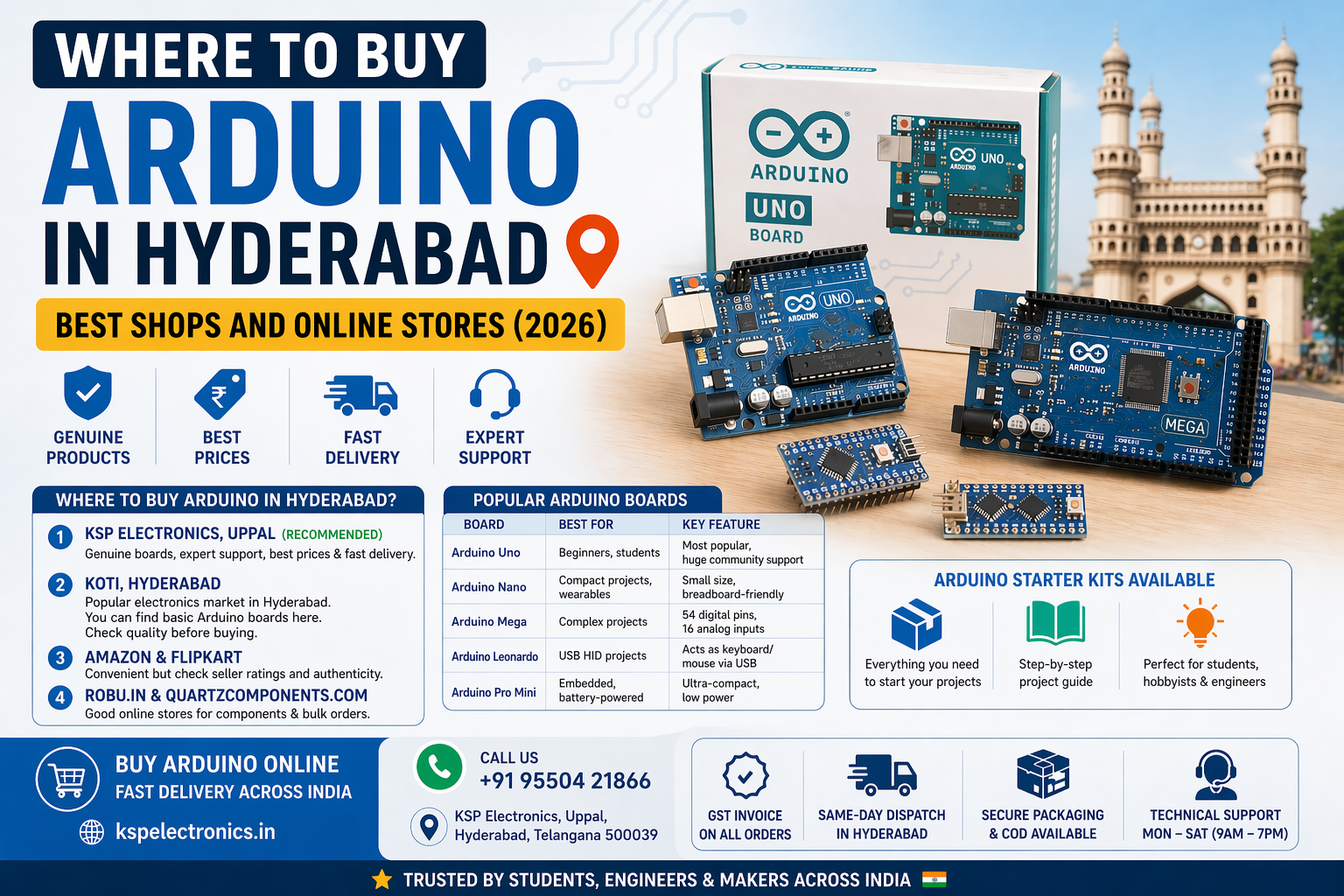
- Where to Buy Arduino in Hyderabad
Quick Decision Guide: Which Board for Which Project?
| Project Type | Recommended Board | Price at KSP |
|---|---|---|
| Basic LED / sensor projects, no connectivity | Arduino Uno | ₹250 |
| Compact wearable or small enclosure project | Arduino Nano | ₹210 |
| Budget Wi-Fi IoT node (1-2 sensors) | NodeMCU ESP8266 | ₹190 |
| IoT project with multiple sensors / BLE / Bluetooth | ESP32 DevKit | ₹520 |
| Compact IoT / D1 Mini form factor | ESP32 D1 Mini | ₹496 |
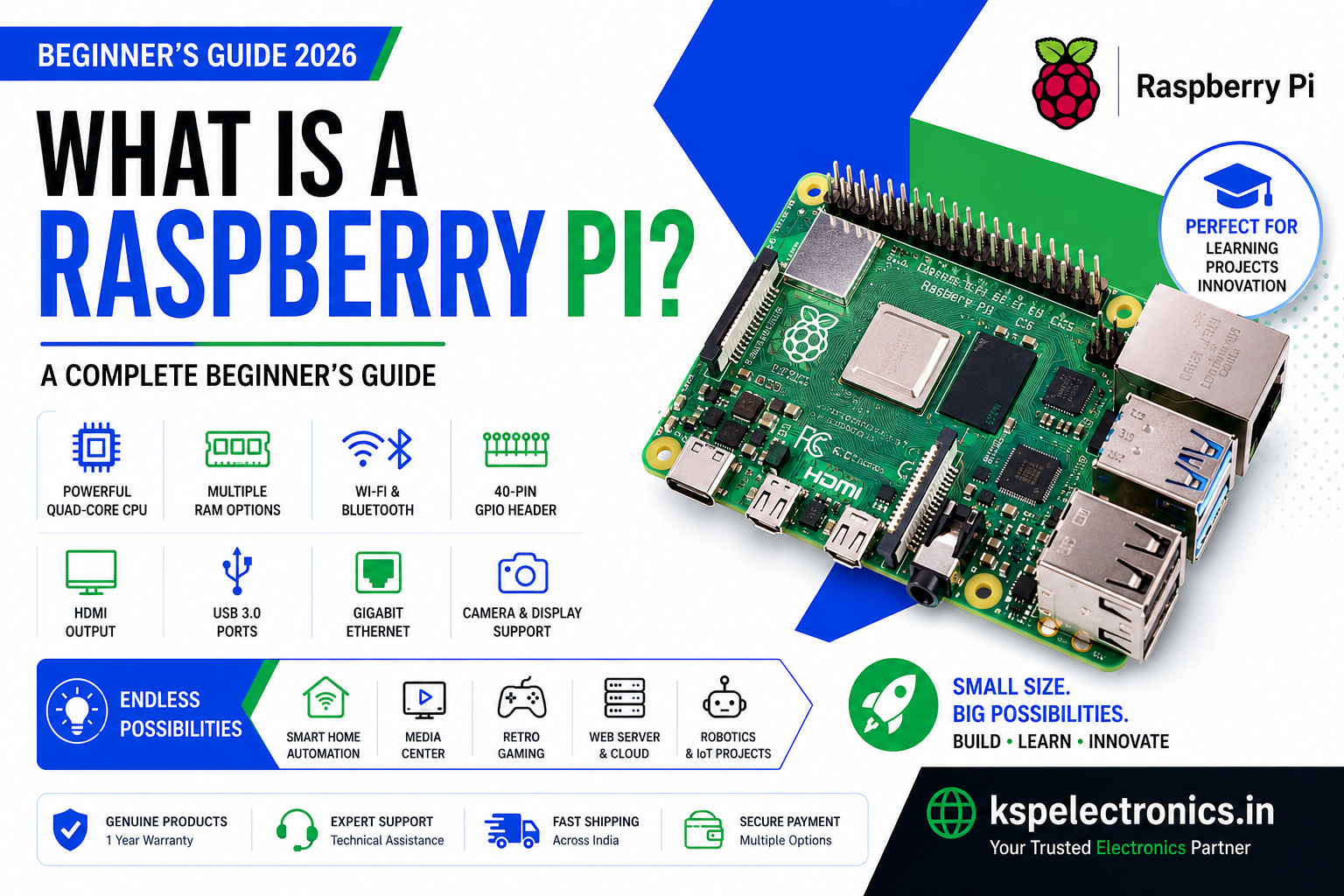
| AI, computer vision, robotics, Linux projects | Raspberry Pi 5 | ₹7,287+ |
Common Mistakes to Avoid When Choosing a Microcontroller
- Using a charge-only USB cable: This is the most common cause of “board not detected” errors. Always use a data-capable USB cable. See our driver troubleshooting guide if your board is not being recognised.
- Connecting 5V sensors to ESP32 GPIO: ESP32 GPIO pins are 3.3V tolerant only. Use a voltage divider (10k + 20k resistor) to step 5V signals down to 3.3V.
- Forgetting to install the board in Arduino IDE: ESP32 requires installing the Espressif board package separately. Arduino Uno works out of the box.
- Not holding the BOOT button during upload on ESP32: Many ESP32 DevKit boards require you to hold BOOT while initiating upload, especially on first use. See our ESP32 project guide for IDE setup steps.
Frequently Asked Questions
Can I use Arduino libraries on ESP32?
Yes. Most popular Arduino libraries (Adafruit sensor libraries, DHT, Wire, SPI, etc.) are compatible with the ESP32 since it uses the Arduino framework. Some libraries with hardware-specific code may need the ESP32 variant to be installed separately, but this is rare for commonly used libraries.
What is the best microcontroller for a B.Tech IoT project?
The ESP32 is the best choice for most B.Tech IoT final year projects in 2026. It has built-in Wi-Fi and Bluetooth, runs on the Arduino IDE, costs ₹496–520 at KSP Electronics, and is powerful enough for real-time sensor data collection, cloud uploads, local web servers, and BLE communication — all in one chip.