The right electronics components T-Works maker Hyderabad guide: here are the 10 must-have components for every T-Works maker and student in Hyderabad. If you are a maker or student at T-Works Hyderabad, having the right electronics components for makers in Hyderabad makes all the difference. This list covers the top 10 essential electronics components for makers and hobbyists available at KSP Electronics, Hyderabad. T-Works in Raidurgam, Hyderabad is India’s largest prototyping facility and a hub for student makers, startup engineers, and hardware innovators. But when it comes to sourcing electronics components for your T-Works build, knowing what to bring versus what to buy there saves both time and money. Here is what every T-Works maker should have in their component kit.
Top 10 Electronics Components T-Works Maker Hyderabad Essentials
1. ESP32 Development Board
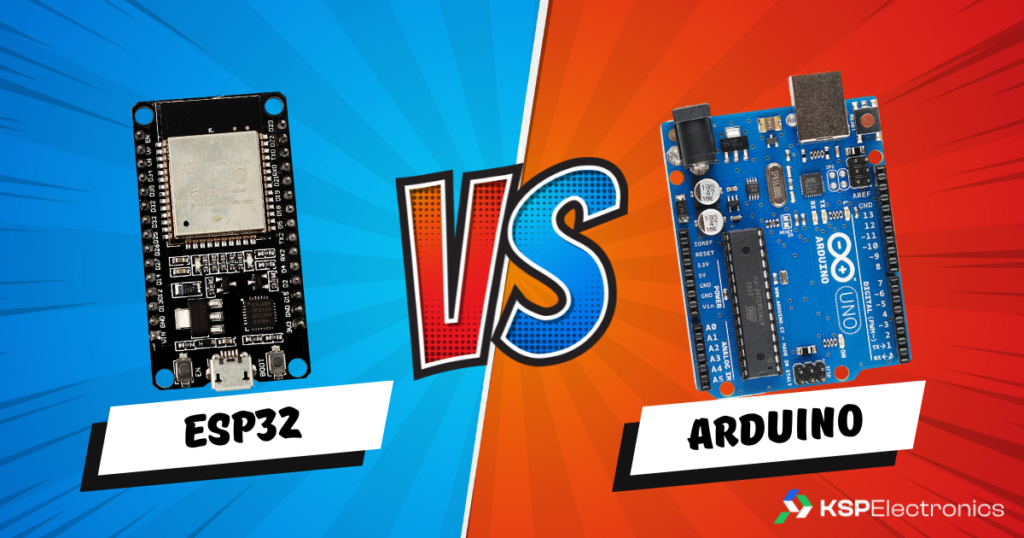
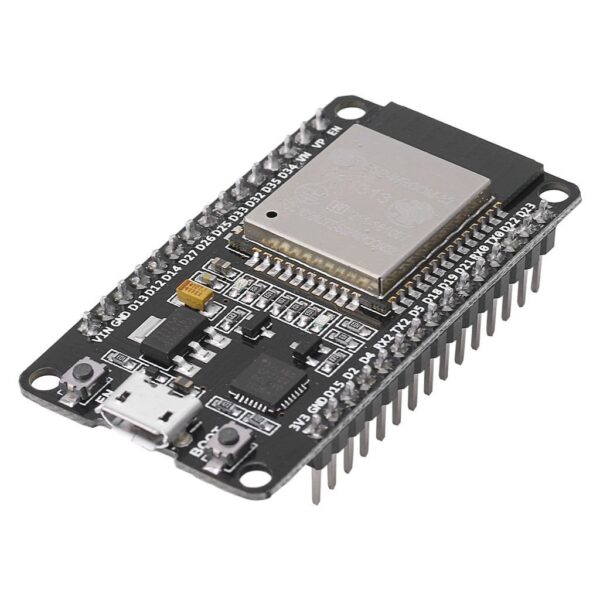
The ESP32 DevKit (₹520) is the backbone of most IoT builds at T-Works. Dual-core 240 MHz processor, Wi-Fi, Bluetooth, and 34 GPIO pins make it the Swiss Army knife of maker hardware. Bring several — you will use them on multiple simultaneous projects.
2. Raspberry Pi 5
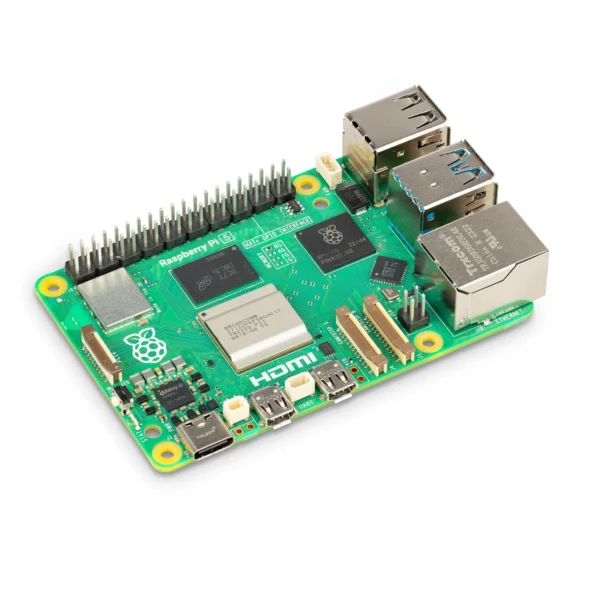
For T-Works projects involving computer vision, robotics, or AI inference, the Raspberry Pi 5 (8GB, ₹19,618) provides Linux-grade compute in a board the size of a credit card. T-Works has excellent support for RPi-based prototypes including 3D-printed enclosures from their in-house printers.
3. 830-Point Solderless Breadboard
The MB102 830-point breadboard (₹85) is essential for fast prototyping without committing to a PCB. At T-Works, you will iterate your circuit multiple times before finalising the PCB layout — having a full-size breadboard speeds up each iteration dramatically.
4. Jumper Wire Assortment (M-M, M-F, F-F)
Jumper wires are the single most consumed consumable in any T-Works session. Bring at least 40 of each type (male-to-male, male-to-female, female-to-female). Colour-code your power rails (red for VCC, black for GND) to avoid wiring errors that waste debugging time.
5. DHT11/DHT22 Sensor Module
Temperature and humidity sensing appears in a huge proportion of T-Works maker builds — weather stations, smart home systems, greenhouse monitors, server room monitors. The DHT11 is sufficient for most projects; upgrade to DHT22 when you need readings below 0°C or above 50°C.
6. HC-SR04 Ultrasonic Distance Sensor
The HC-SR04 is the standard distance sensor for obstacle avoidance robots, parking systems, and liquid level detection. It measures 2 cm to 4 m with ~3 mm accuracy using echo timing. At T-Works, it is commonly used in robot chassis builds.
7. 0.96" OLED I2C Display
A small OLED display gives your prototype a professional look and allows real-time feedback during T-Works demo sessions. Runs on I2C (only 2 wires beyond power), works at 3.3V, and is compatible with both Arduino and ESP32 using the Adafruit SSD1306 library.
8. L298N Motor Driver Module
If your T-Works project involves any robot movement or conveyor belt, you need a motor driver. The L298N handles up to 2 DC motors at 2A each, is compatible with both Arduino and ESP32, and is straightforward to wire and control with standard PWM signals.
9. 4-Channel Relay Module
The 4-channel relay module lets your microcontroller switch mains-voltage AC loads (lights, fans, appliances) safely. It is essential for home automation builds and smart energy control projects. Always add a protective diode on the coil side when driving from a 3.3V ESP32.
10. Resistor + LED + Capacitor Starter Kit
A basic passive component assortment (1/4W resistors from 10Ω to 1MΩ, 5mm LEDs in multiple colours, 100nF decoupling capacitors, 10k pull-up/pull-down resistors) is the foundation of every breadboard circuit. Running out of a 10k resistor mid-session at T-Works is a common bottleneck — keep a full kit stocked.
Order Your T-Works Component Kit from KSP Electronics
Get everything delivered before your next T-Works session from KSP Electronics — Hyderabad’s dedicated electronics components store for makers and students:
Common Mistakes to Avoid When Choosing a Microcontroller
Using a charge-only USB cable: This is the most common cause of “board not detected” errors. Always use a data-capable USB cable. See our driver troubleshooting guide if your board is not being recognised.
Connecting 5V sensors to ESP32 GPIO: ESP32 GPIO pins are 3.3V tolerant only. Use a voltage divider (10k + 20k resistor) to step 5V signals down to 3.3V.
Forgetting to install the board in Arduino IDE: ESP32 requires installing the Espressif board package separately. Arduino Uno works out of the box.
Not holding the BOOT button during upload on ESP32: Many ESP32 DevKit boards require you to hold BOOT while initiating upload, especially on first use. See our ESP32 project guide for IDE setup steps.
Frequently Asked Questions
Can I use Arduino libraries on ESP32?
Yes. Most popular Arduino libraries (Adafruit sensor libraries, DHT, Wire, SPI, etc.) are compatible with the ESP32 since it uses the Arduino framework. Some libraries with hardware-specific code may need the ESP32 variant to be installed separately, but this is rare for commonly used libraries.
What is the best microcontroller for a B.Tech IoT project?
The ESP32 is the best choice for most B.Tech IoT final year projects in 2026. It has built-in Wi-Fi and Bluetooth, runs on the Arduino IDE, costs ₹496–520 at KSP Electronics, and is powerful enough for real-time sensor data collection, cloud uploads, local web servers, and BLE communication — all in one chip.


 IoT Projects
 ML Projects
 Training