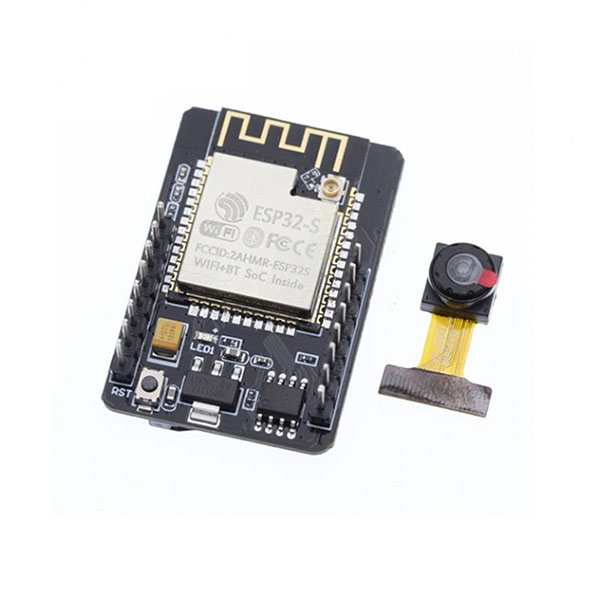
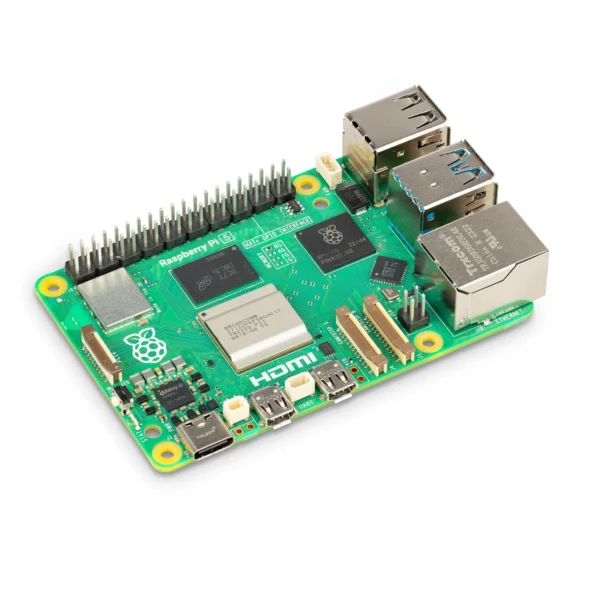
ESP32 vs Raspberry Pi is one of the most common questions among IoT students and makers in India. Two names dominate every IoT and embedded systems discussion in India’s engineering colleges: ESP32 and Raspberry Pi. Both are powerful, both are beginner-accessible, and both are available from KSP Electronics — but they are fundamentally different types of devices designed for different jobs. Choosing the wrong one for your project wastes money and time. This guide settles the debate clearly.
The Core Difference: Microcontroller vs Single-Board Computer
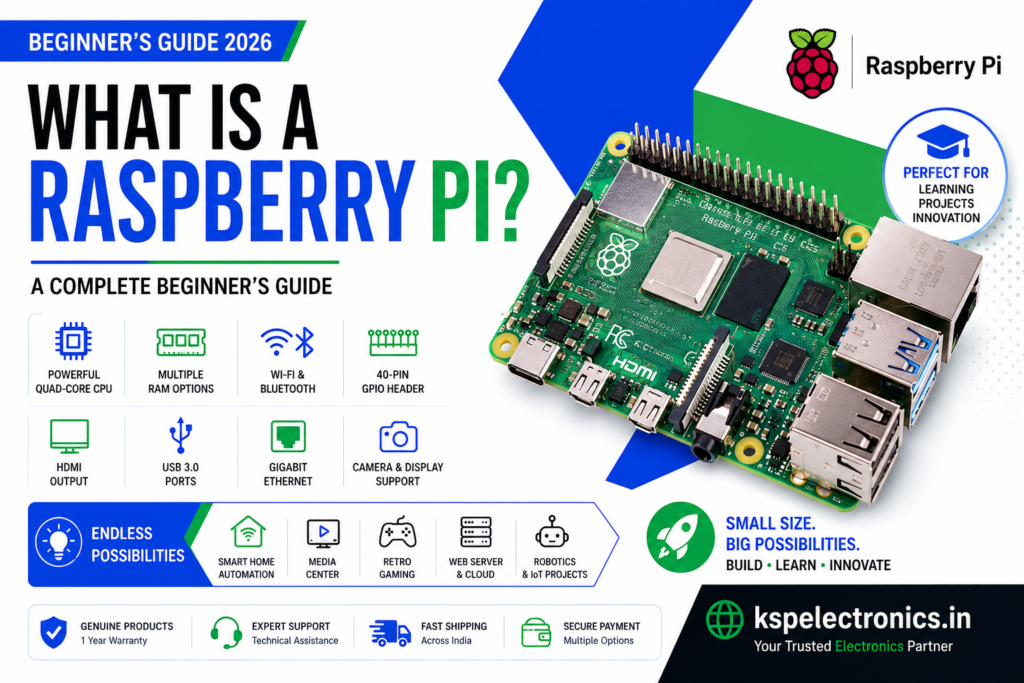
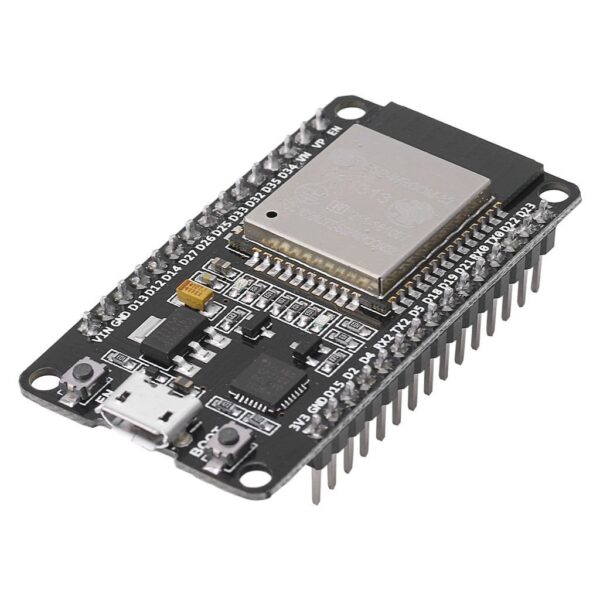
The ESP32 is a microcontroller — a bare-metal chip that runs a single program directly, with no operating system, no file system, and no display server. It boots in milliseconds, runs 24/7 without crashing, and sips just milliwatts of power. The Raspberry Pi is a single-board computer (SBC) running a full Linux-based operating system. It has USB ports, HDMI output, gigabytes of RAM, and can run Python, Node.js, databases, and web servers simultaneously. But it draws significantly more power and takes 30–60 seconds to boot.
Your project runs continuously 24/7 (e.g., a sensor node, an IoT device, a smart switch).
Power consumption matters — the device runs on battery or solar.
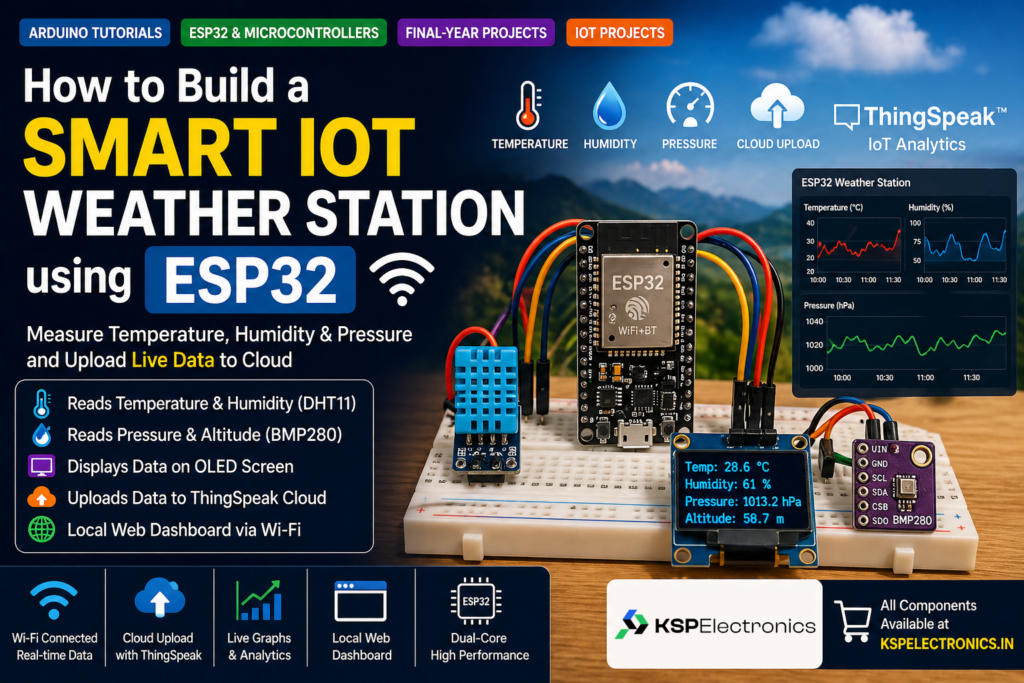
Your project reads sensors and sends data to the cloud (ThingSpeak, Firebase, MQTT).
Your budget is under ₹1,000 for the main board.
You want instant boot time and simple, reliable operation.
Examples: weather station, door bell, smart irrigation, temperature monitor, attendance system via Wi-Fi.
When to Choose Raspberry Pi
Your project requires computer vision or image processing (OpenCV, TensorFlow Lite).
You need to run a web server, database, or REST API locally on the device.
Your project uses Python libraries that are not available on bare-metal systems.
You need a Linux environment (SSH, file system, USB peripherals).
Examples: face recognition attendance system, AI-based home security camera, NAS server, edge AI node, robotics with ROS.
Can You Use ESP32 and Raspberry Pi Together?
Yes — and in professional IoT systems, this is actually the ideal architecture. The ESP32 acts as the sensor/actuator node (reading data and controlling hardware), while the Raspberry Pi acts as the edge gateway or local server (processing data, running dashboards, and relaying to the cloud). They communicate via Wi-Fi (MQTT) or UART serial. This combination covers both sides of the IoT stack at a very competitive price.
For simple IoT tasks like reading sensors, controlling actuators, and sending data to the cloud, ESP32 is better — it is cheaper, uses far less power, and has instant boot time. Raspberry Pi is better when your IoT project requires running a full operating system, database, or machine learning inference.
Can ESP32 run Python?
Yes, via MicroPython — a lightweight Python 3 implementation designed for microcontrollers. However, MicroPython on ESP32 is limited compared to full Python on Raspberry Pi. Most ESP32 projects use C/C++ via the Arduino IDE for better performance and hardware control.
Which is better for a B.Tech final year project?
It depends on the project topic. For IoT sensor projects (weather station, smart home, agriculture monitoring), choose ESP32. For AI, computer vision, or projects requiring a web dashboard hosted on the device, choose Raspberry Pi. If your college syllabus specifically lists Raspberry Pi, go with that.
Common Mistakes to Avoid When Choosing a Microcontroller
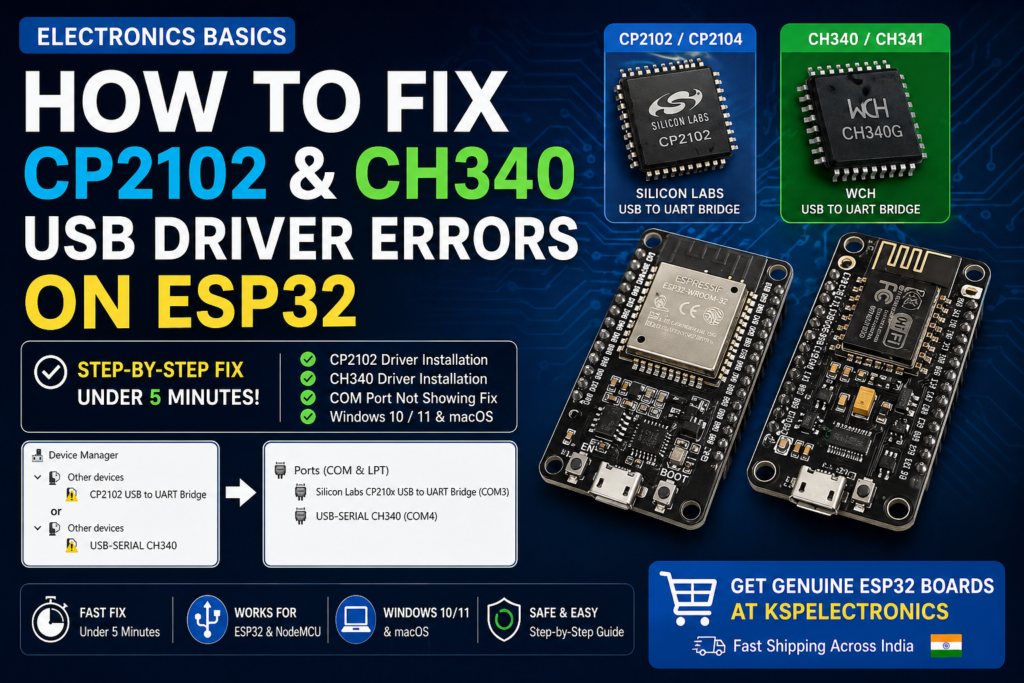
Using a charge-only USB cable: This is the most common cause of “board not detected” errors. Always use a data-capable USB cable. See our driver troubleshooting guide if your board is not being recognised.
Connecting 5V sensors to ESP32 GPIO: ESP32 GPIO pins are 3.3V tolerant only. Use a voltage divider (10k + 20k resistor) to step 5V signals down to 3.3V.
Forgetting to install the board in Arduino IDE: ESP32 requires installing the Espressif board package separately. Arduino Uno works out of the box.
Not holding the BOOT button during upload on ESP32: Many ESP32 DevKit boards require you to hold BOOT while initiating upload, especially on first use. See our ESP32 project guide for IDE setup steps.
Frequently Asked Questions
Can I use Arduino libraries on ESP32?
Yes. Most popular Arduino libraries (Adafruit sensor libraries, DHT, Wire, SPI, etc.) are compatible with the ESP32 since it uses the Arduino framework. Some libraries with hardware-specific code may need the ESP32 variant to be installed separately, but this is rare for commonly used libraries.
What is the best microcontroller for a B.Tech IoT project?
The ESP32 is the best choice for most B.Tech IoT final year projects in 2026. It has built-in Wi-Fi and Bluetooth, runs on the Arduino IDE, costs ₹496–520 at KSP Electronics, and is powerful enough for real-time sensor data collection, cloud uploads, local web servers, and BLE communication — all in one chip.


 IoT Projects
 ML Projects
 Training