IoT Projects
 ML Projects

 Training



Bambu Lab’s Automatic Material System (AMS) is what makes effortless multi-colour and multi-material printing possible — but there are now four versions, and they are not interchangeable. Here is a clear, India-focused breakdown to help you pick the right one. In short, the AMS vs AMS 2 Pro choice comes down to drying: both feed four spools, but only the AMS 2 Pro actively dries filament.

At a glance
| Unit | Best for | Spools | Drying | Price (India) |
|---|---|---|---|---|
| AMS lite | A1 & A1 Mini multi-colour | 4 (open) | No | ₹21,999 |
| AMS | X1 & P1 series multi-colour | 4 (enclosed) | Passive (desiccant) | ₹26,999 |
| AMS 2 Pro | Drying + storage + feeding in one | 4 (enclosed) | Active, up to 65 °C | ₹39,999 |
| AMS HT | High-performance / engineering filament | 1 (single-spool) | Active, up to 85 °C | ₹16,999 |
AMS lite — for the A1 family
The AMS lite uses four external, open spool holders and is designed specifically for the A1 and A1 Mini. It brings RFID auto-sync and four-colour printing, but it does not dry filament. If you own an A1-series printer and just want colour, this is your match.
AMS — the original, for X1 & P1
The enclosed four-spool AMS is built for the X1 and P1 series. It keeps filament sealed with desiccant (passive drying) and uses RFID to auto-configure settings. The go-to multi-colour upgrade for P1S and X1-Carbon owners.
AMS 2 Pro — drying, storage & feeding in one
The AMS 2 Pro adds true active drying up to 65 °C with an electro-magnetic air vent and auto-rotate drying, plus faster feeding and real-time temperature & humidity readouts. If you print PETG, PA or PLA-CF and want filament kept dry and ready, this is the all-rounder.
AMS HT — specialised high-temp drying
The single-spool AMS HT dries demanding engineering filaments at up to 85 °C — the materials an AMS 2 Pro cannot dry completely. It has a flame-retardant PC/PA housing (UL 94 V-0) and an on-unit screen. Add it alongside an AMS 2 Pro when you regularly run PA, PC or CF-reinforced filaments.
Which should you buy?
- A1 / A1 Mini owner: AMS lite.
- P1 / X1 owner wanting colour: AMS.
- Want colour + filament always dry: AMS 2 Pro.
- Printing PA / PC / carbon-fibre: add an AMS HT.
All four are genuine, warranty-backed units from KSP Electronics — and you can line them up feature-by-feature using the compare tool on each product page.
AMS vs AMS 2 Pro: which printers does each fit?
| Printer | Compatible unit |
|---|---|
| A1, A1 Mini | AMS lite |
| P1S, X1 series | AMS |
| P2S, X2D, H2S, H2D, H2C | AMS 2 Pro, AMS HT |
Always confirm compatibility on the product page before ordering, as Bambu Lab adds support for new printers through firmware updates.
Why drying matters in India
Indian humidity regularly sits above 70% during the monsoon, and filaments such as PETG, nylon (PA) and TPU absorb moisture within days. Wet filament causes stringing, bubbles and weak layers. A passive AMS only slows this down with desiccant; the AMS 2 Pro and AMS HT actively dry spools, which saves money on wasted prints and filament.
Frequently asked questions
Can I connect more than one AMS?
Yes. Supported printers can chain multiple AMS units for up to 16 colours or materials in one job. Check the printer product page for its exact limit.
Is the AMS 2 Pro worth the extra cost over the AMS?
If you print mostly PLA in an air-conditioned room, the standard AMS is enough. If you print PETG, PA or carbon-fibre filament, or work without air-conditioning, the built-in drying of the AMS 2 Pro pays for itself.
Does the AMS lite work with the P1S?
No. The AMS lite is designed for the open-frame A1 and A1 Mini. Enclosed printers use the AMS or AMS 2 Pro.
See current prices for every Bambu Lab printer in our Bambu Lab price list.
Further reading: Bambu Lab Wiki


Where to Buy Genuine Bambu Lab in India (Warranty & GST)

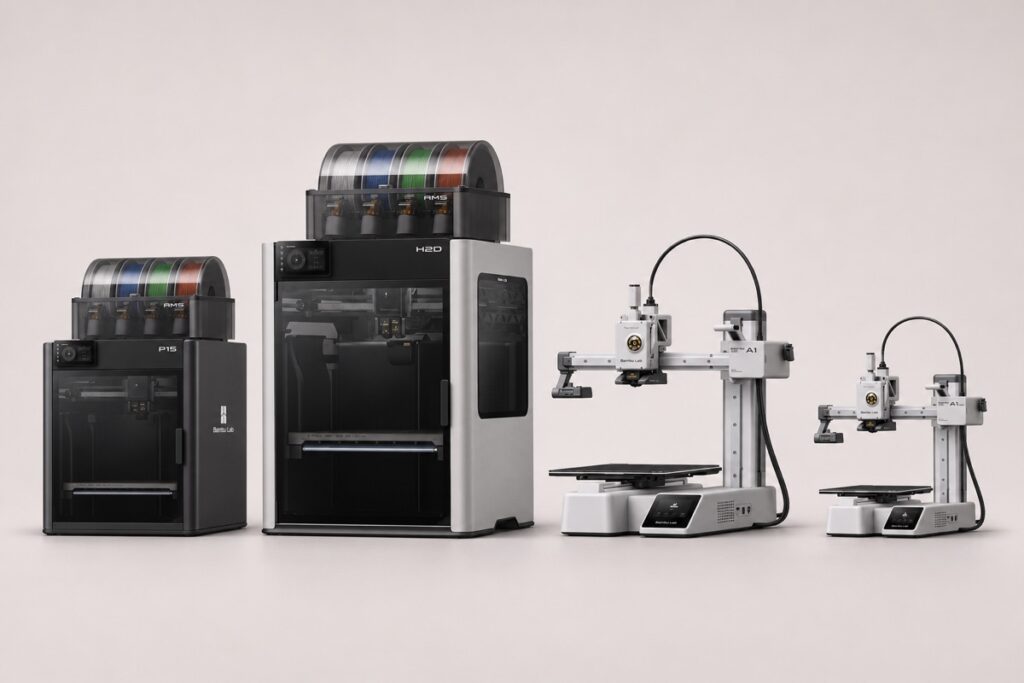
Bambu Lab 3D Printer Price in India (2026) — Full Price List

Bambu Lab P1S vs A1: Enclosed vs Open-Frame (Which to Buy?)
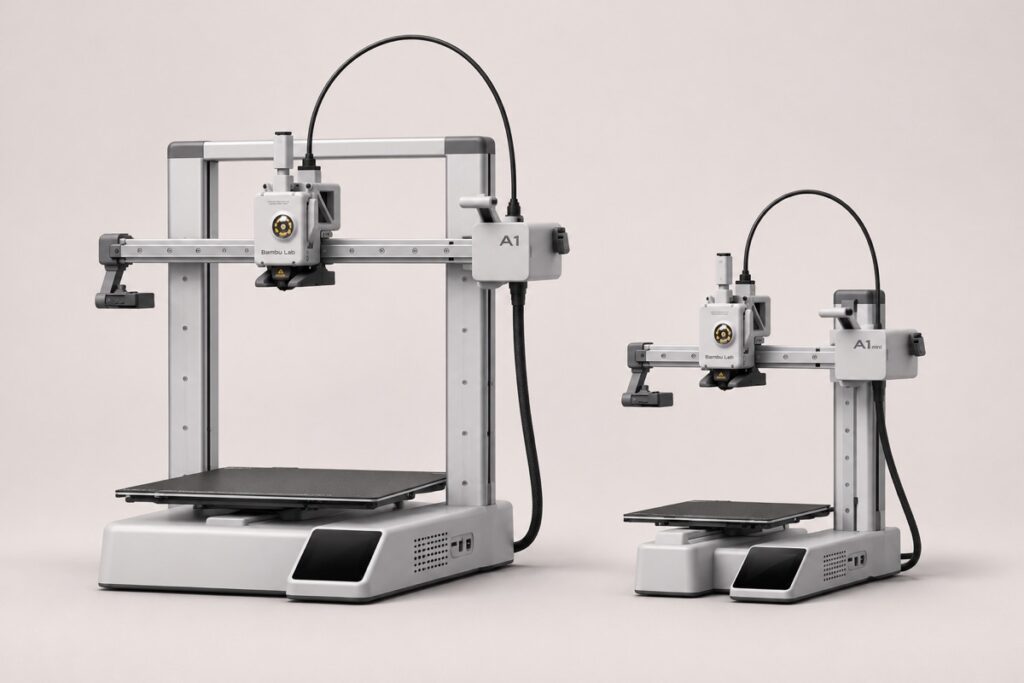
Bambu Lab A1 vs A1 Mini: Which One Should You Buy?

H2D vs H2S vs H2C: Which Bambu H2 Printer Should You Buy?

Bambu Lab AMS vs AMS 2 Pro vs AMS HT vs AMS lite: Which to Buy?
Bestselling Products