 IoT Projects
 ML Projects

 Training



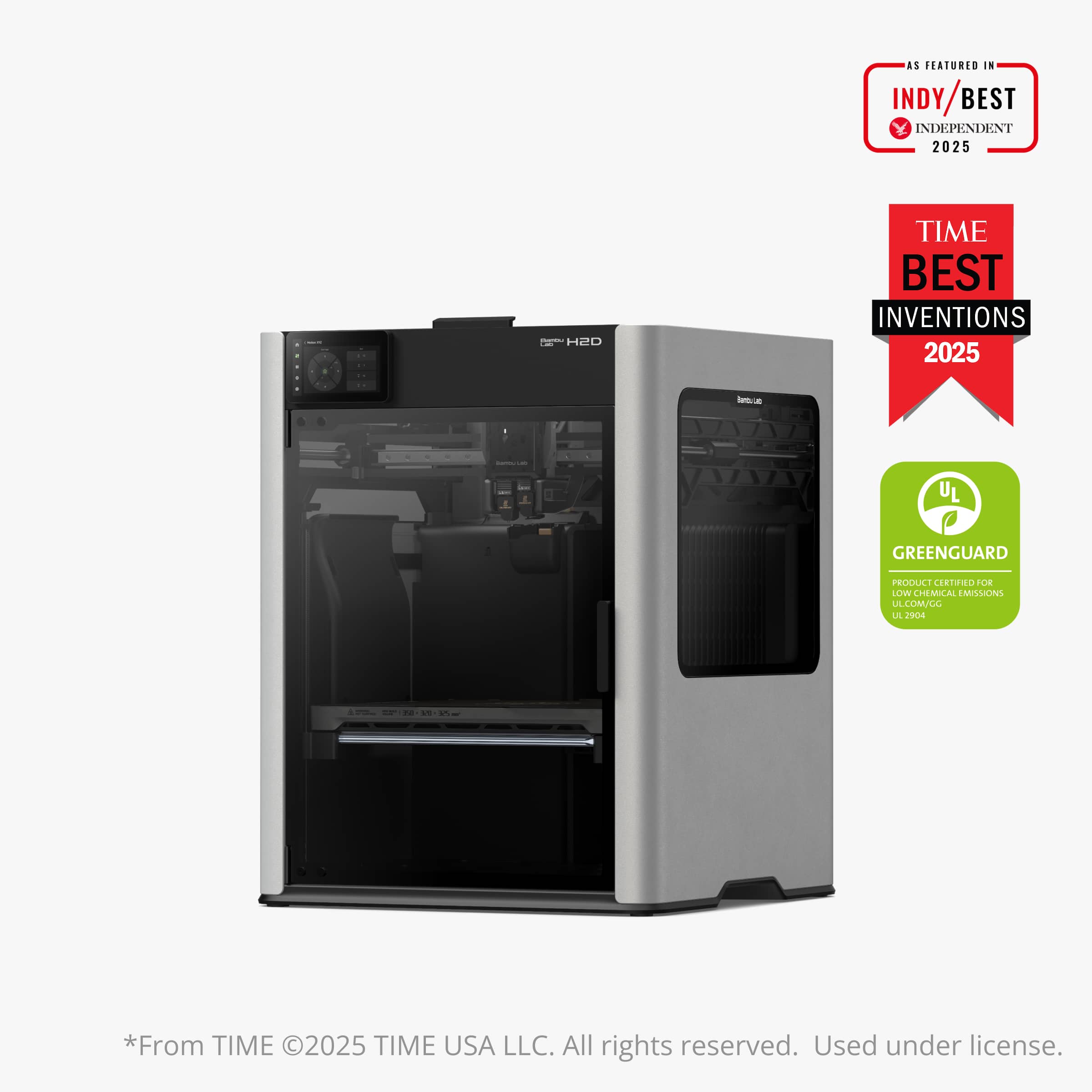
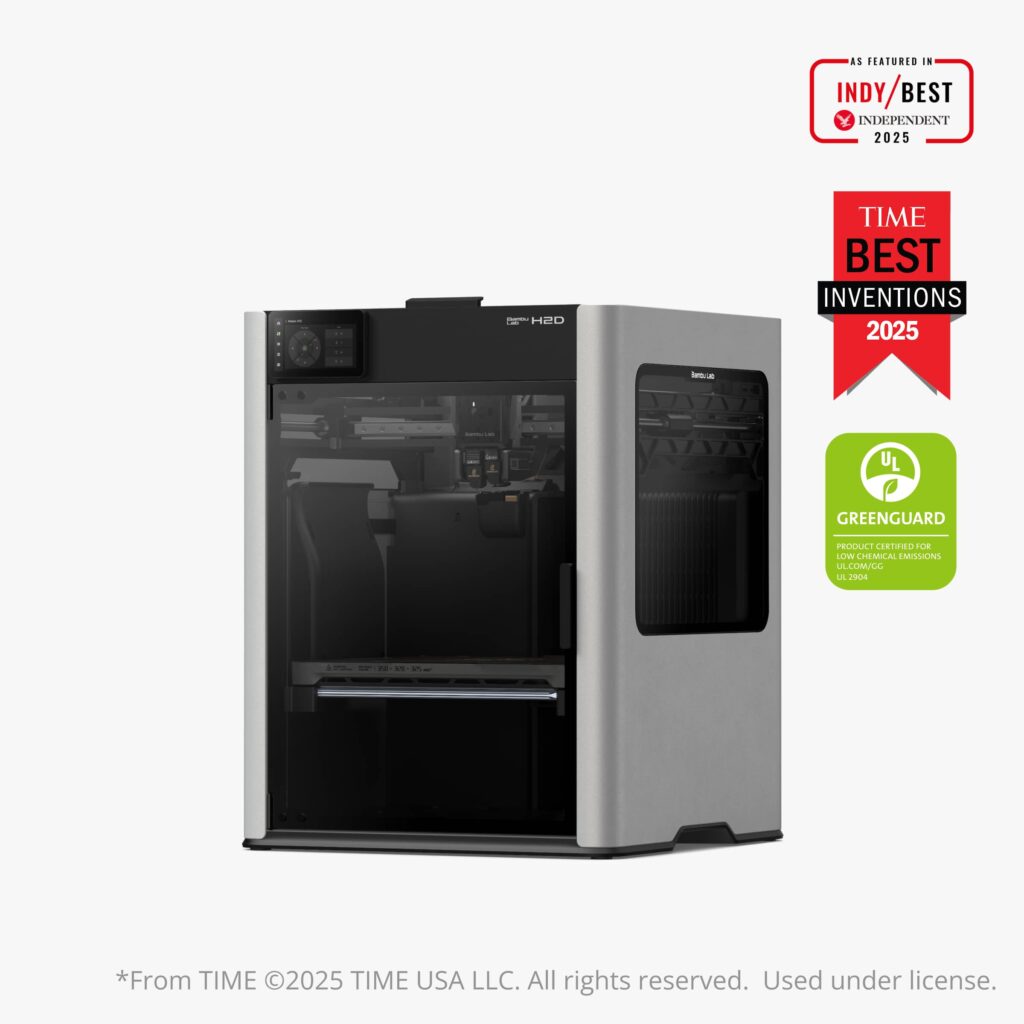
The Bambu Lab H2 series is the brand’s flagship tier — large-format, fast (1000 mm/s), with a 350 °C hotend and a 65 °C heated chamber. But there are three siblings, and they are built for different jobs. Here is how the H2S, H2D and H2C compare, with India prices. If you are weighing H2D vs H2S, the core question is whether you need a second nozzle.
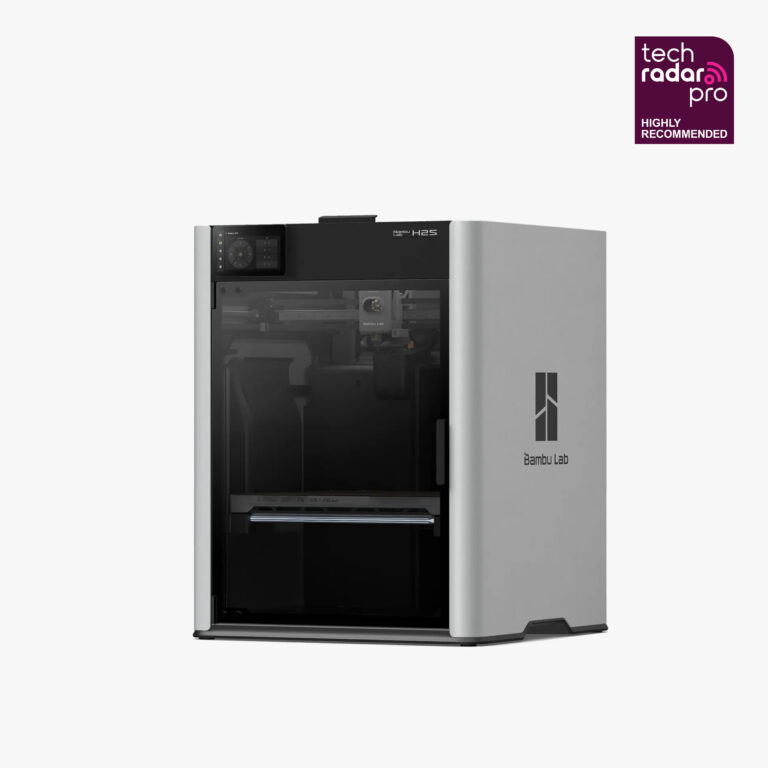
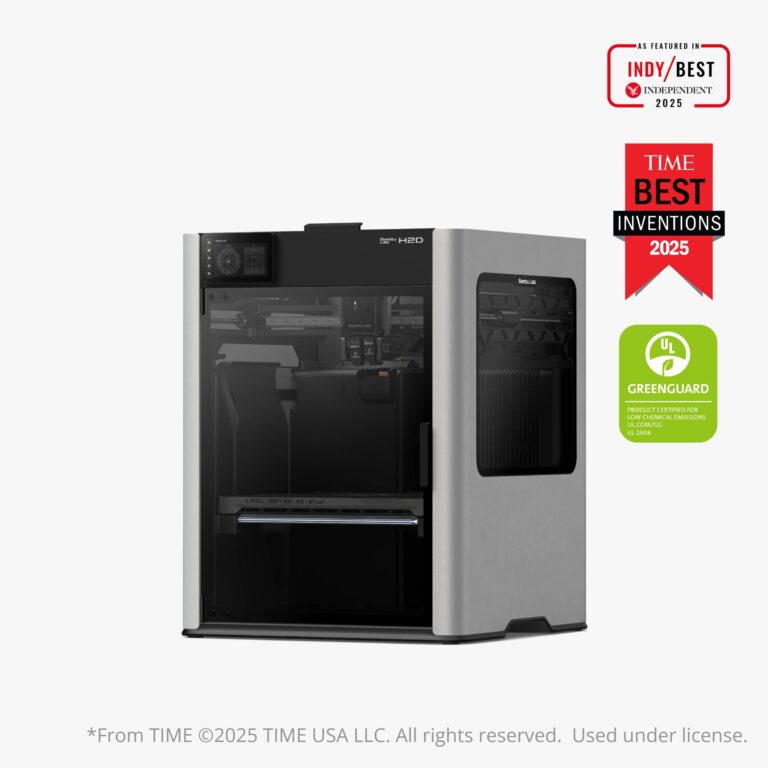
Quick comparison
| H2S | H2D | H2C | |
|---|---|---|---|
| Nozzle | Single | Dual (independent) | Dual (multi-colour) |
| Build volume | 340×320×340 mm | 325×320×325 mm | 305×320×325 mm |
| Laser / cutting | Optional | Optional (10W/40W) | Optional (10W/40W) |
| From price | ₹1,48,999 | ₹2,04,999 | ₹3,09,999 |
H2S — the value flagship
The H2S (from ₹1,48,999) is a single-nozzle, large-format powerhouse with the biggest build volume of the three (340×320×340 mm). If you want flagship speed, chamber heating and AI monitoring without the dual-nozzle premium, start here.
H2D — true dual-nozzle
The H2D (from ₹2,04,999) adds two independent nozzles for fast multi-material and multi-colour printing with far less purge waste, plus optional laser engraving & cutting. The choice for makers who want one machine that prints, engraves and cuts.
H2C — multi-colour dual nozzle
The H2C Combo (₹3,09,999) is the colour-focused, all-in-one model, bundling the AMS for vibrant multi-colour output. Pick it when colour-rich production is your priority.
Which should you buy?
- Best value flagship: H2S.
- Dual-nozzle + laser/cutting: H2D.
- Maximum multi-colour: H2C.
H2D vs H2S: what the second nozzle gets you
A single-nozzle printer like the H2S must purge old filament every time it changes colour or material, which wastes filament and time on multi-colour jobs. The H2D keeps two materials loaded in two nozzles, so it can print a support material and a model material, or two colours, with far less purging. If most of your prints use one material at a time, the H2S gives you the larger build volume for less money.
What all three H2 printers share
- Up to 1000 mm/s print speed on an enclosed CoreXY frame
- 350 °C hotend for engineering filaments such as PC, PA and carbon-fibre blends
- 65 °C actively heated chamber for large ABS and ASA parts without warping
- AI-assisted print monitoring
Is there a cheaper dual-nozzle option?
Yes. The Bambu Lab X2D (₹98,999) also has dual nozzles, with a smaller 256 × 256 × 260 mm build volume. Choose it if you want dual-material printing but do not need the H2 build volume.
Frequently asked questions
Which H2 printer has the largest build volume?
The H2S, at 340 × 320 × 340 mm.
Can I add multi-colour to the H2S later?
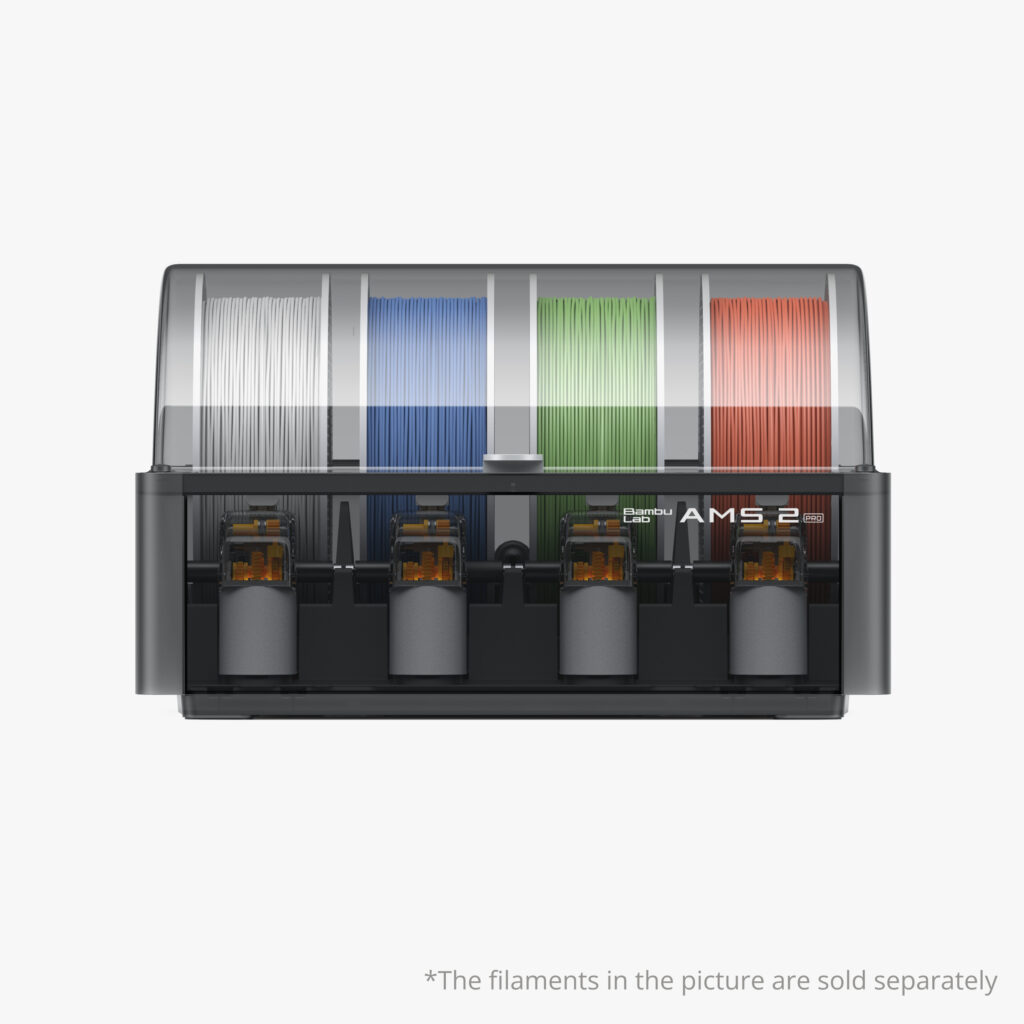
Yes. The H2S supports an optional AMS, so you can start with the printer and add multi-colour later.
Which H2 model suits a college lab or print farm?
The H2S for high-volume single-material work, and the H2D where students need dual-material or support-material prints.
Compare every model and price in our Bambu Lab price list.
Further reading: Bambu Lab Wiki

Where to Buy Genuine Bambu Lab in India (Warranty & GST)

Bambu Lab 3D Printer Price in India (2026) — Full Price List
Bambu Lab P1S vs A1: Enclosed vs Open-Frame (Which to Buy?)
Bambu Lab A1 vs A1 Mini: Which One Should You Buy?
H2D vs H2S vs H2C: Which Bambu H2 Printer Should You Buy?
Bambu Lab AMS vs AMS 2 Pro vs AMS HT vs AMS lite: Which to Buy?
Bestselling Products