 IoT Projects
 ML Projects
 Training

What is a Raspberry Pi? A Complete Beginner’s Guide

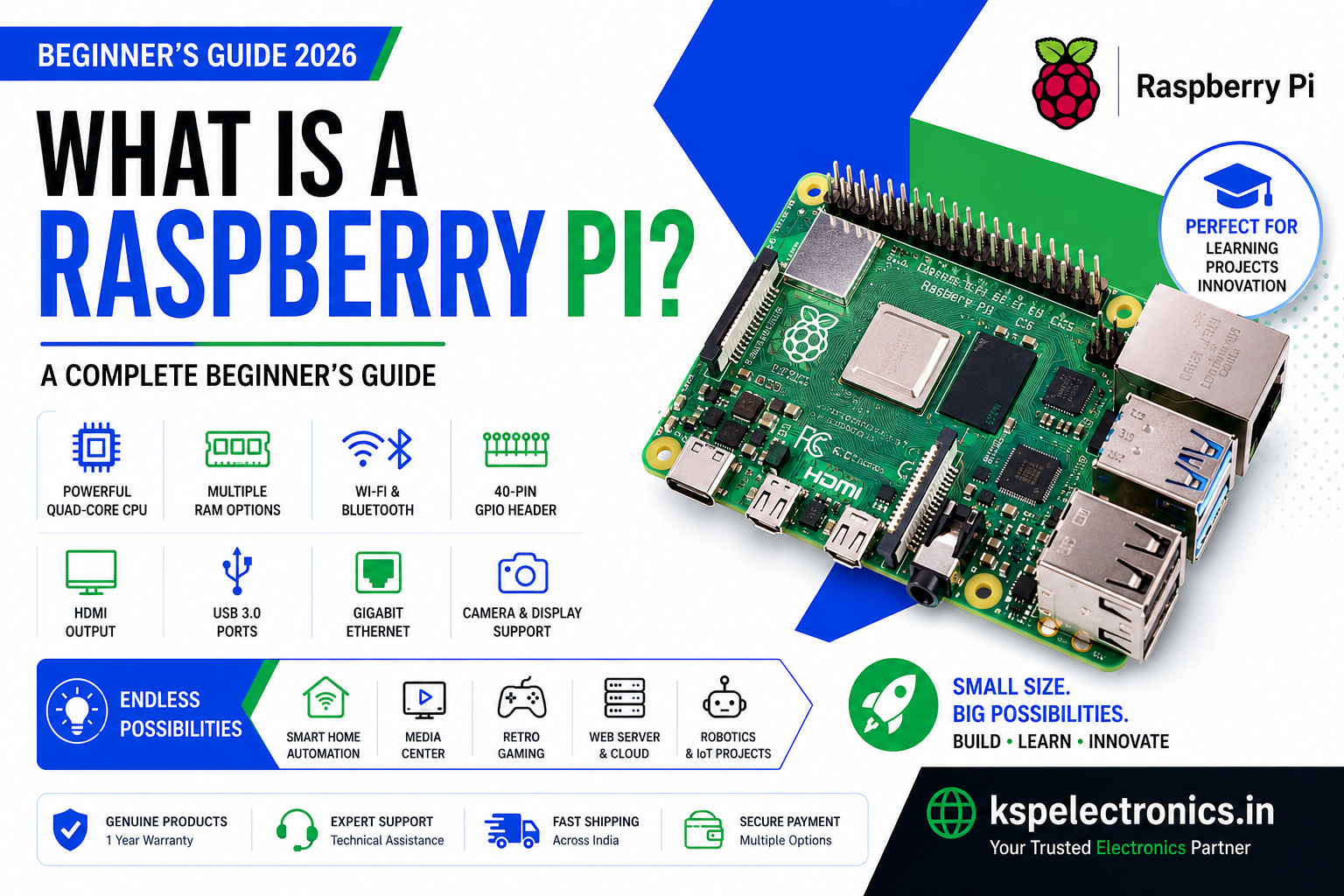
If you have ever searched for a low-cost computer for learning programming, building IoT projects, or running a home server, you have likely come across the name Raspberry Pi. But what exactly is it? In this guide, we answer the question what is a Raspberry Pi, explore its history, key features, popular models, and show you exactly what you can build with one.
What is a Raspberry Pi?
A Raspberry Pi is a small, affordable single-board computer (SBC) developed by the Raspberry Pi Foundation, a UK-based non-profit organisation. It is roughly the size of a credit card and contains a processor, RAM, USB ports, HDMI output, and a 40-pin GPIO header — everything you need to run a full operating system and write real programs.
Unlike a laptop or desktop, the Raspberry Pi is a bare board — no case, no keyboard, no monitor included. This makes it incredibly flexible. You can plug it into a TV, connect a keyboard and mouse, and use it as a desktop computer. Or you can run it headless (without a screen) as a server, a smart home hub, or an embedded controller inside your own project.
A Brief History of Raspberry Pi
The Raspberry Pi was created by Eben Upton and a team of engineers and educators at the University of Cambridge. Their goal was simple: create an affordable computer that would inspire children and young adults to learn programming and electronics, just as the BBC Micro had done in the 1980s.
The original Raspberry Pi Model B launched in February 2012 and sold out within hours. It cost just $35 and offered 256 MB of RAM, a 700 MHz ARM processor, two USB ports, and an HDMI output. Over a million units sold in the first year alone, far exceeding expectations.
Since then, the Raspberry Pi Foundation has released over a dozen models, with each generation offering significantly more power, memory, and connectivity. The latest flagship, the Raspberry Pi 5, features a 2.4 GHz quad-core ARM Cortex-A76 processor and up to 8 GB of RAM — making it a capable desktop computer for everyday tasks.
What is on a Raspberry Pi Board?
Although the board is small, it packs in a surprising amount of hardware. Here is what you will typically find on a modern Raspberry Pi:
- Processor (SoC) — A Broadcom ARM-based chip that runs the operating system and your programs.
- RAM — Onboard memory for running applications. Ranges from 512 MB on older models to 8 GB on Pi 5.
- MicroSD Card Slot — The SD card acts as the hard drive. Your operating system and files are stored here.
- USB Ports — Connect a keyboard, mouse, USB drive, or hub.
- HDMI Output — Connect a monitor or TV to use it as a desktop.
- 40-Pin GPIO Header — General Purpose Input/Output pins for connecting sensors, LEDs, motors, displays, and custom circuits.
- Wi-Fi and Bluetooth — Built into all models from Pi 3 onwards.
- Ethernet Port — Wired network connection.
- Camera and Display Ports (CSI/DSI) — Connect an official camera module or touchscreen display.
- 3.5mm Audio Jack — Analogue audio output (on most models).
Popular Raspberry Pi Models Explained
There are several Raspberry Pi models available, each designed for different use cases and budgets:
| Model | Processor | RAM | Best For |
|---|---|---|---|
| Raspberry Pi 5 | 2.4 GHz Quad-Core Cortex-A76 | 4 GB / 8 GB | Desktop use, heavy projects |
| Raspberry Pi 4 Model B | 1.8 GHz Quad-Core Cortex-A72 | 1–8 GB | General purpose, media, server |
| Raspberry Pi 3 Model B+ | 1.4 GHz Quad-Core Cortex-A53 | 1 GB | Learning, IoT, streaming |
| Raspberry Pi Zero 2 W | 1 GHz Quad-Core Cortex-A53 | 512 MB | Wearables, compact projects |
| Raspberry Pi Zero W | 1 GHz Single-Core ARM1176 | 512 MB | Ultra-low-cost IoT |
What Can You Do with a Raspberry Pi?
One of the most common questions beginners ask is: what can I actually build with a Raspberry Pi? The answer is almost anything. Here are some of the most popular uses:
1. Learn Programming and Linux
The Raspberry Pi runs Raspberry Pi OS (based on Debian Linux) and comes with Python, Scratch, and other programming tools pre-installed. It is the ideal platform for students and beginners to learn coding in a real environment.
2. Home Automation and IoT
Connect temperature sensors, relays, and smart plugs to the GPIO pins and build your own home automation system. Popular platforms like Home Assistant and Node-RED run natively on Raspberry Pi, letting you control lights, appliances, and sensors from your phone.
3. Media Centre
Install LibreELEC or OSMC on your Raspberry Pi and turn your TV into a powerful media centre using Kodi. Stream movies, music, and TV shows from your local network or online services.
4. Retro Gaming Console
Using RetroPie, you can turn a Raspberry Pi into a retro gaming console capable of emulating NES, SNES, Game Boy, PlayStation 1, and hundreds of other classic systems.
5. Web Server and Network Tools
Run a lightweight web server (Apache, Nginx), a personal cloud (Nextcloud), a VPN server, or a Pi-hole network-wide ad blocker. The Pi is an energy-efficient server that can run 24/7 at minimal cost.
6. Security Camera System
Pair a Raspberry Pi with a Camera Module and run MotionEye or Frigate to build a DIY CCTV system with motion detection, recording, and remote viewing.
7. Robotics and Electronics Projects
The 40-pin GPIO header makes it easy to interface with motors, servo controllers, sensors, and custom PCBs. Raspberry Pi is widely used in robotics competitions, final year projects, and industrial prototyping.
What Do You Need to Get Started?
To start using a Raspberry Pi, you will need a few essential accessories:
- Raspberry Pi board — Choose a model based on your project requirements and budget.
- Power supply — Each model requires a specific power adapter (5V/2.5A Micro USB for Pi 3; USB-C for Pi 4 and Pi 5).
- MicroSD card — Minimum 16 GB, Class 10 or A1 recommended. Use Raspberry Pi Imager to flash the OS.
- HDMI cable and monitor — For desktop use. Not required for headless projects.
- USB keyboard and mouse — For initial setup.
- Case (optional) — Protects the board and helps with heat management.
Raspberry Pi vs Arduino — What is the Difference?
A common point of confusion for beginners is the difference between Raspberry Pi and Arduino. Here is a quick comparison:
- Raspberry Pi is a full computer. It runs a Linux operating system, supports multiple programming languages, and can browse the internet, play video, and run complex software.
- Arduino is a microcontroller. It runs a single program in a loop and is ideal for real-time hardware control like reading sensors or driving motors with precise timing.
For most projects, both work well together — the Pi handles high-level logic and networking while the Arduino handles low-level hardware control.
Frequently Asked Questions
Is Raspberry Pi good for beginners?
Yes. Raspberry Pi OS includes beginner-friendly tools like Scratch and Thonny Python IDE. The Raspberry Pi Foundation also provides extensive official documentation, free tutorials, and a large community forum.
Can Raspberry Pi replace a desktop computer?
For basic tasks like web browsing, document editing, programming, and video playback, the Raspberry Pi 4 and Pi 5 are capable desktop replacements. They are not suitable for gaming or heavy video editing.
Does Raspberry Pi need an internet connection?
No. You can use a Raspberry Pi completely offline. However, an internet connection is required to install software packages and updates using the apt package manager.
Where can I buy Raspberry Pi in India?
You can buy genuine Raspberry Pi boards and accessories from KSP Electronics. We stock official Raspberry Pi boards, power supplies, camera modules, and accessories with fast shipping across India and 1-year warranty.
Conclusion
The Raspberry Pi is one of the most versatile and impactful computing devices ever made. Whether you are a student learning to code, a hobbyist building smart home gadgets, or a professional prototyping an IoT product, there is a Raspberry Pi model and project for you.
Ready to get started? Browse our range of Raspberry Pi boards, official accessories, and compatible microSD cards at KSP Electronics — with fast delivery across India.

Related posts
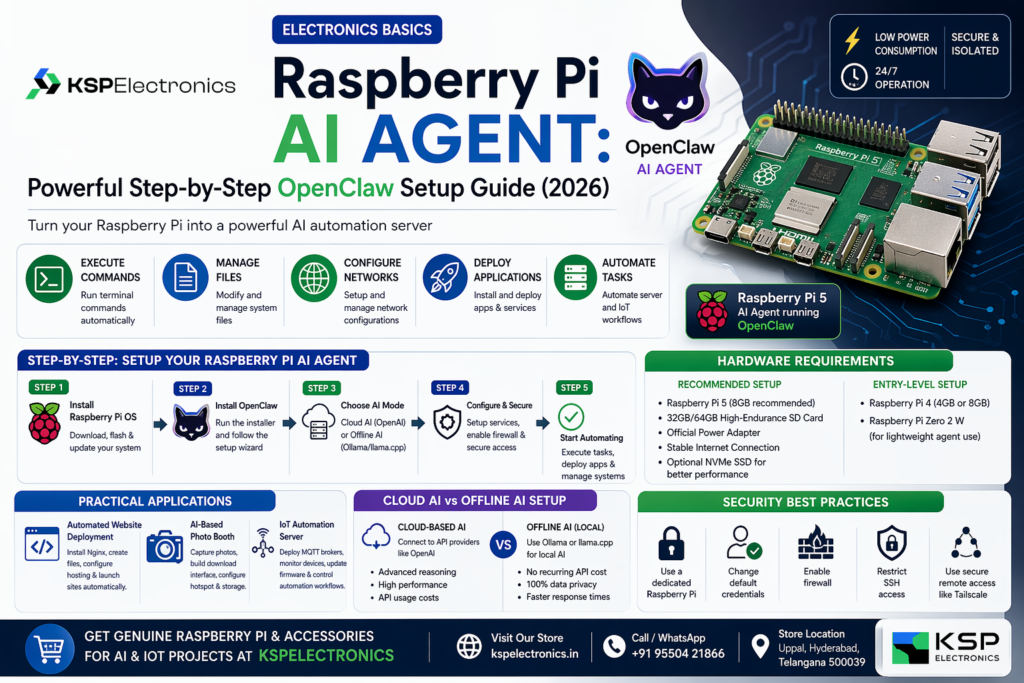
Raspberry Pi 5 AI Agent: Step-by-Step OpenClaw Setup Guide (2026)

Electronics Components Store in Hyderabad – KSPElectronics
Electronics Components T-Works Maker Hyderabad | KSP Electronics
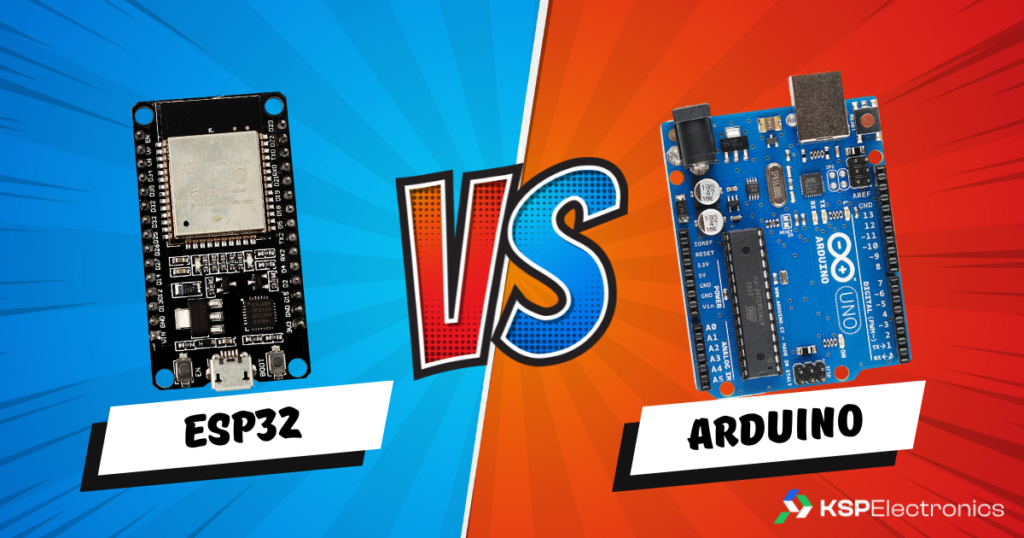
ESP32 vs Arduino: Which Microcontroller is Right for Your Project?
Best College Project Ideas for Engineering Students | Major and Mini Projects
Arduino Uno vs ESP32: Unraveling the Differences
Need help choosing a 3D printer?
Bambu Lab printers with GST invoice, official warranty, installation & training. Same-day delivery in Hyderabad.
Bestselling Products
-
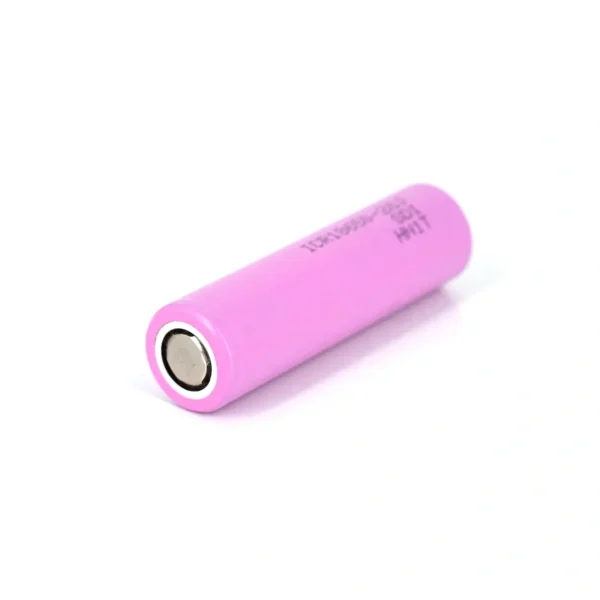 18650 2500mAh Lithium-Ion Battery – Rechargeable 3.7V Cell Rated 5.00 out of 5
₹95Original price was: ₹95.₹85Current price is: ₹85. (Incl. GST) -
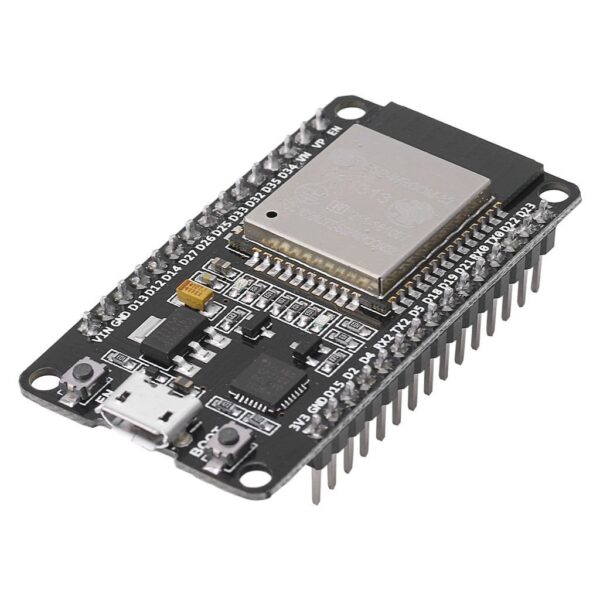 ESP32 Development Board CP2102 WiFi Bluetooth Ultra-Low Power Consumption Dual Core (30 PIN)
₹450Original price was: ₹450.₹400Current price is: ₹400. (Incl. GST) -
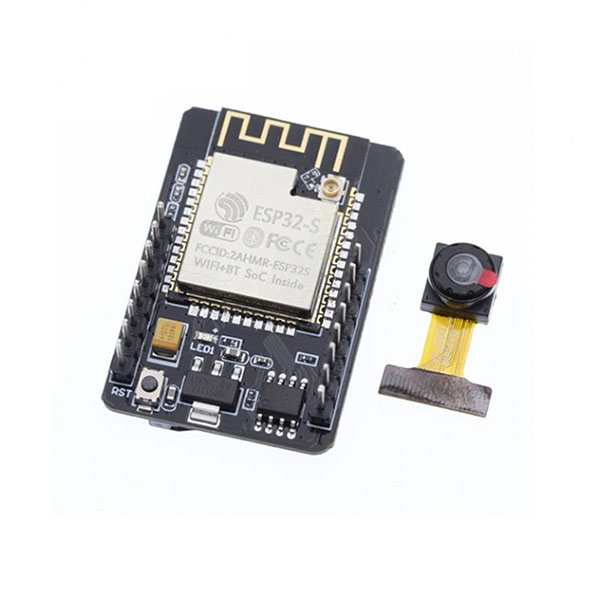 ESP32-CAM WiFi Bluetooth Development Board with OV2640 Camera Module
₹950Original price was: ₹950.₹850Current price is: ₹850. (Incl. GST) -
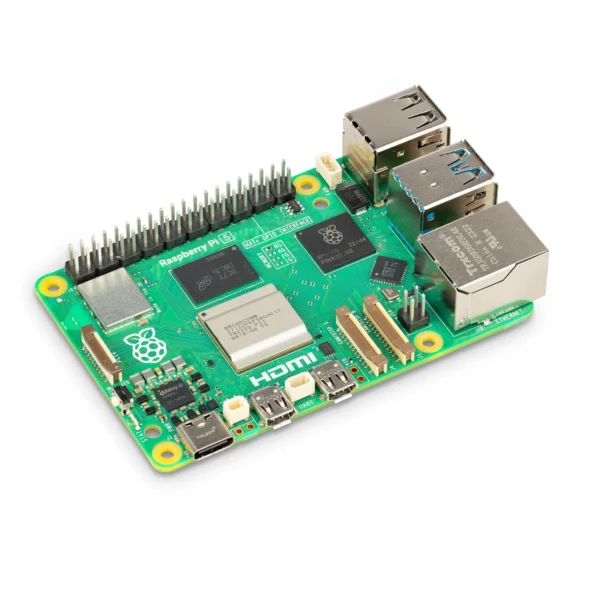 Raspberry Pi 5 Model 4GB RAM Rated 4.80 out of 5₹14,500 (Incl. GST)
 -
 PLA PRO+ 3D Printer Filament – Daisy White
₹1,000Original price was: ₹1,000.₹699Current price is: ₹699. (Incl. GST)
Browse by Category
- Guides & Reviews (31)
- News (2)
- Tutorials (13)